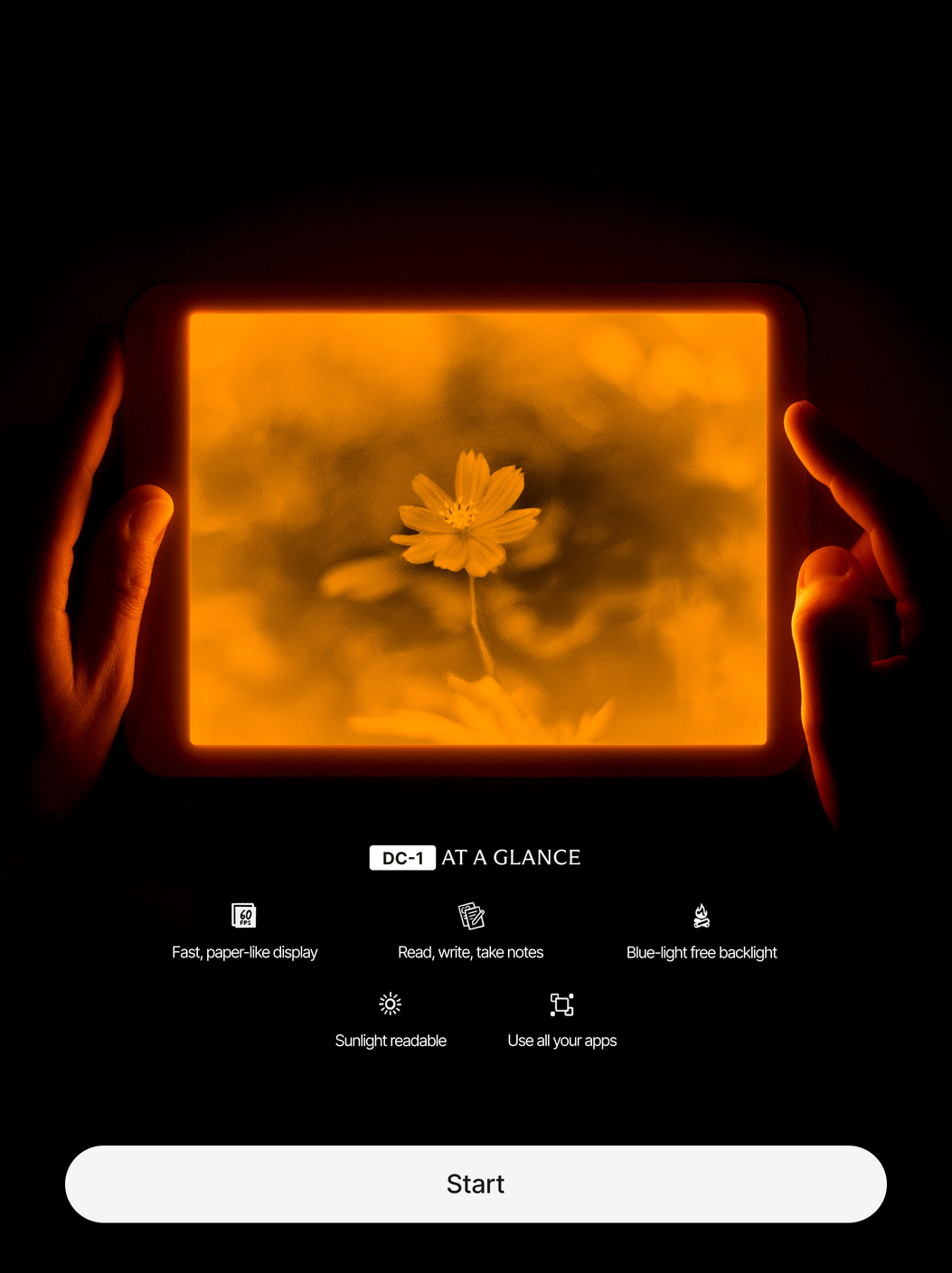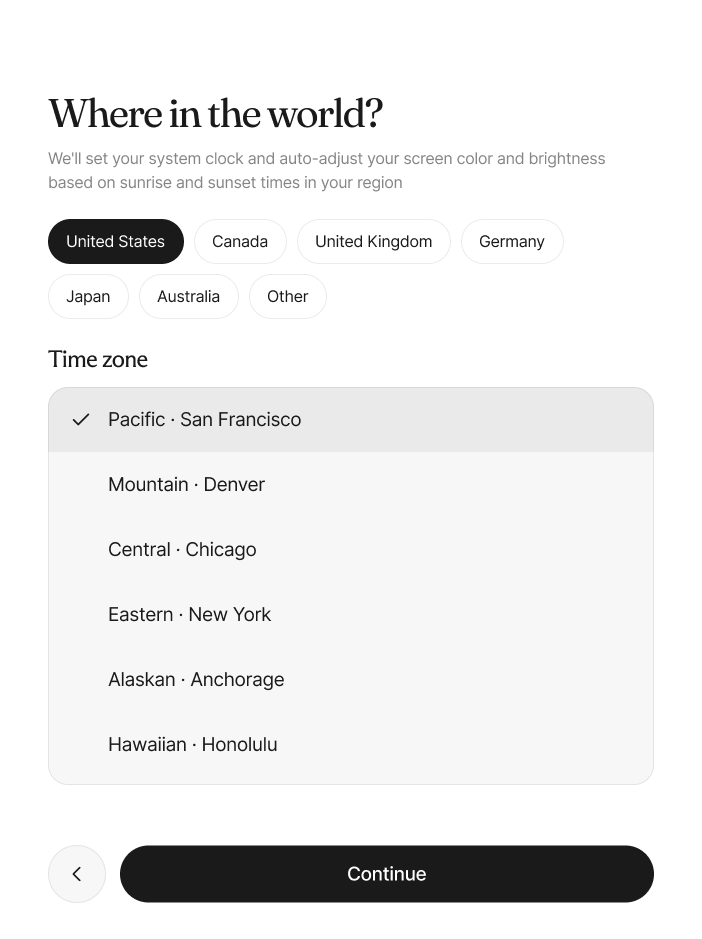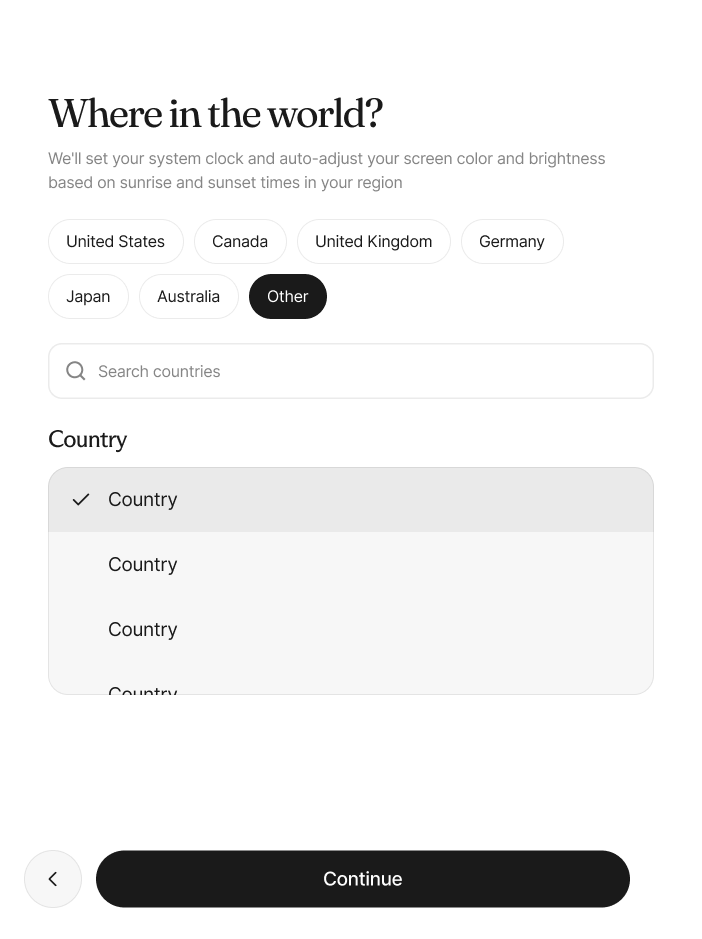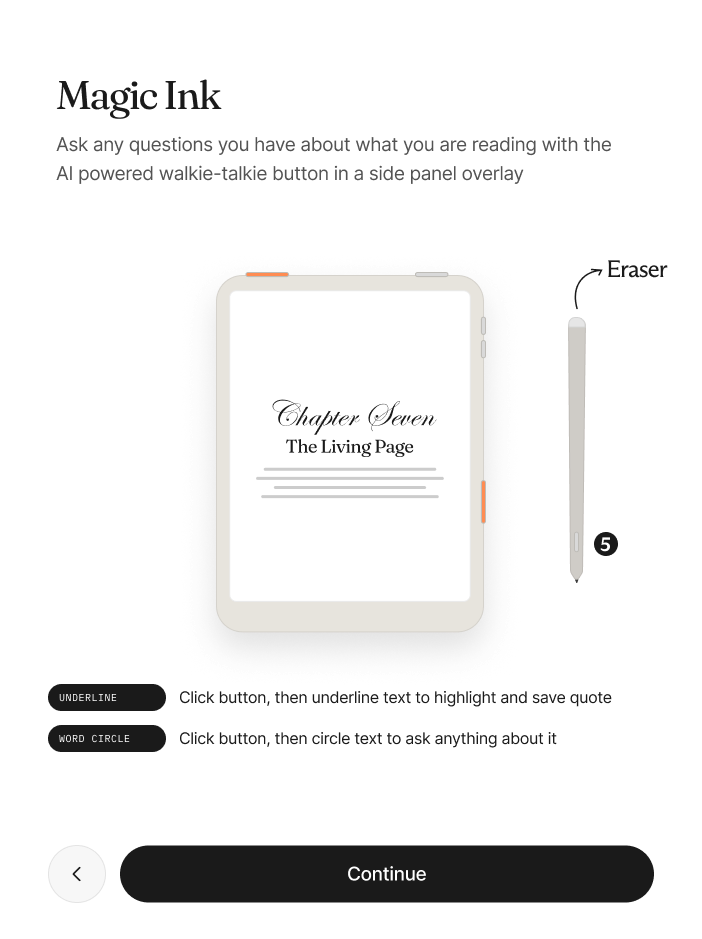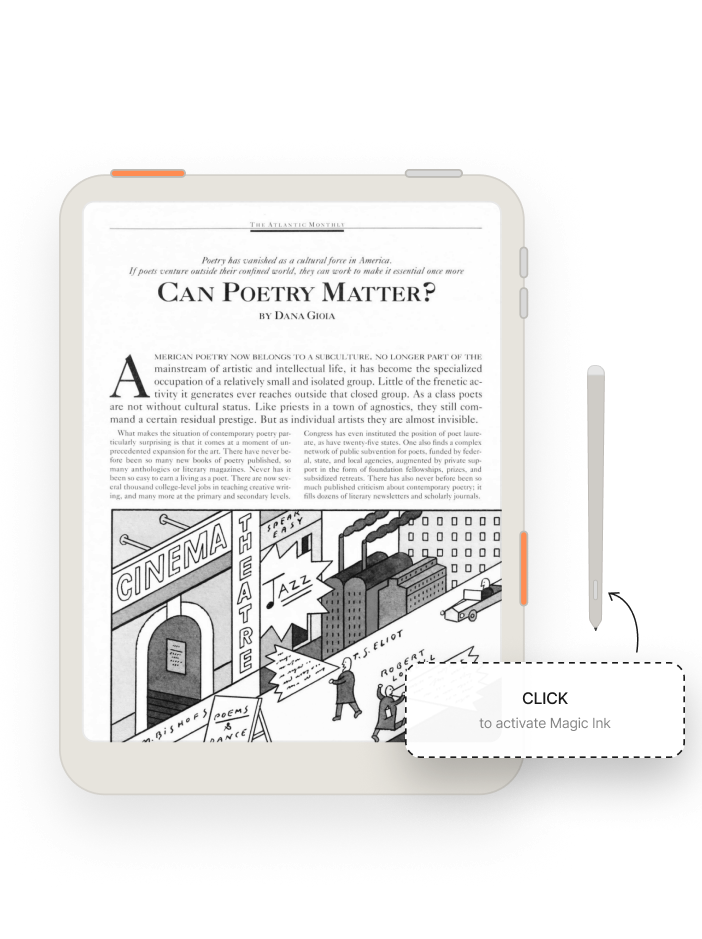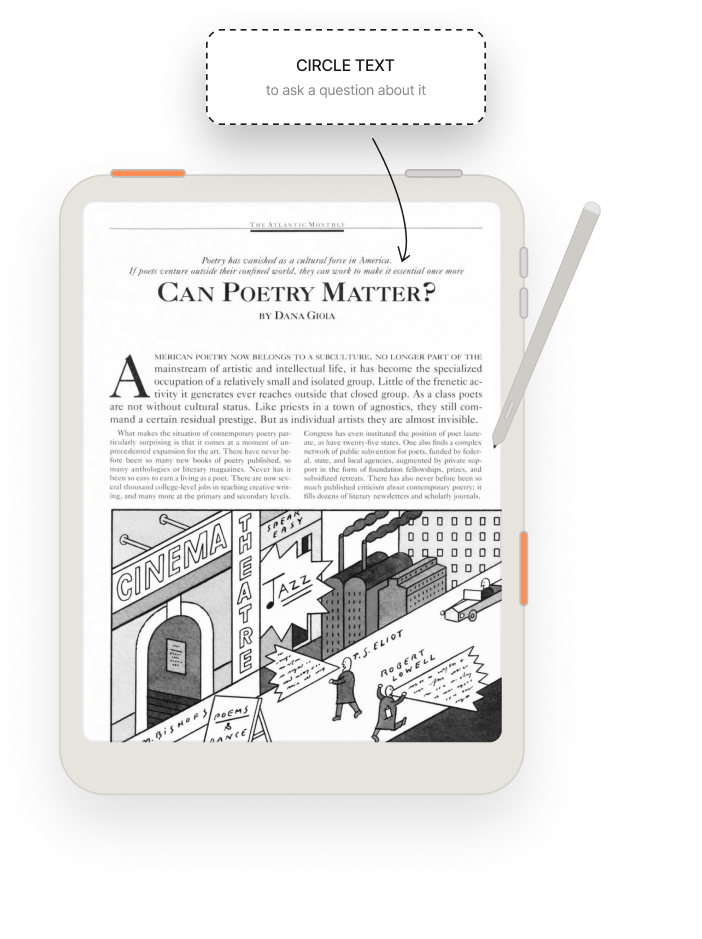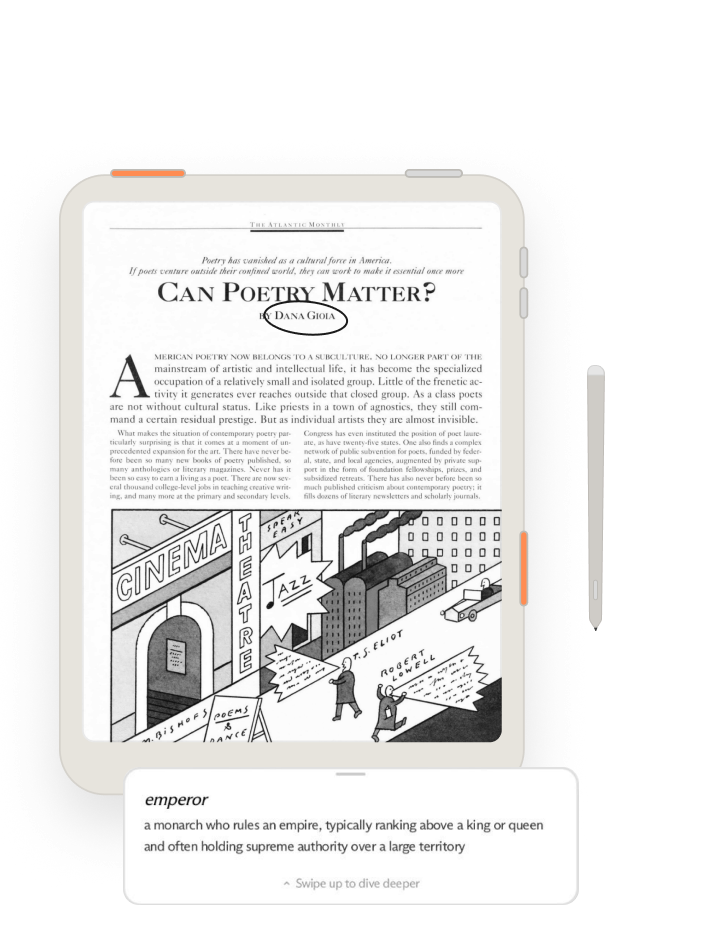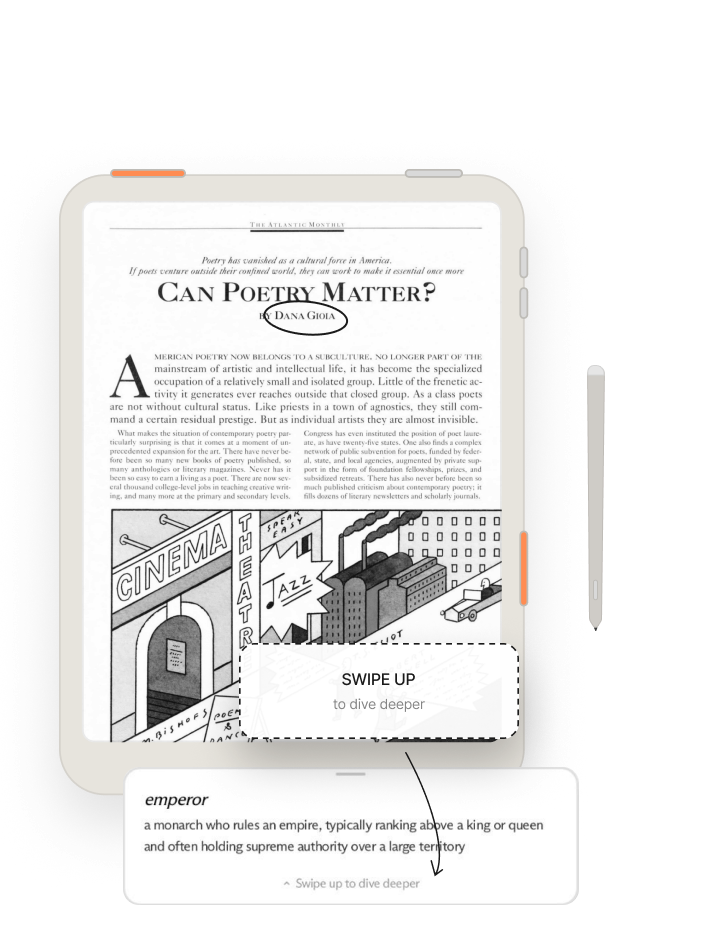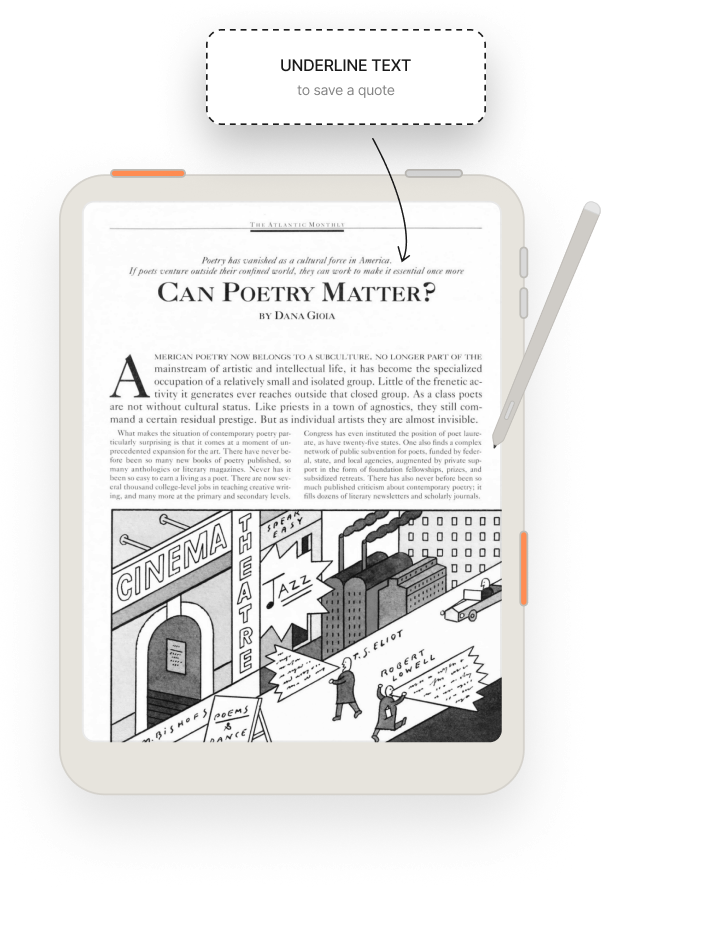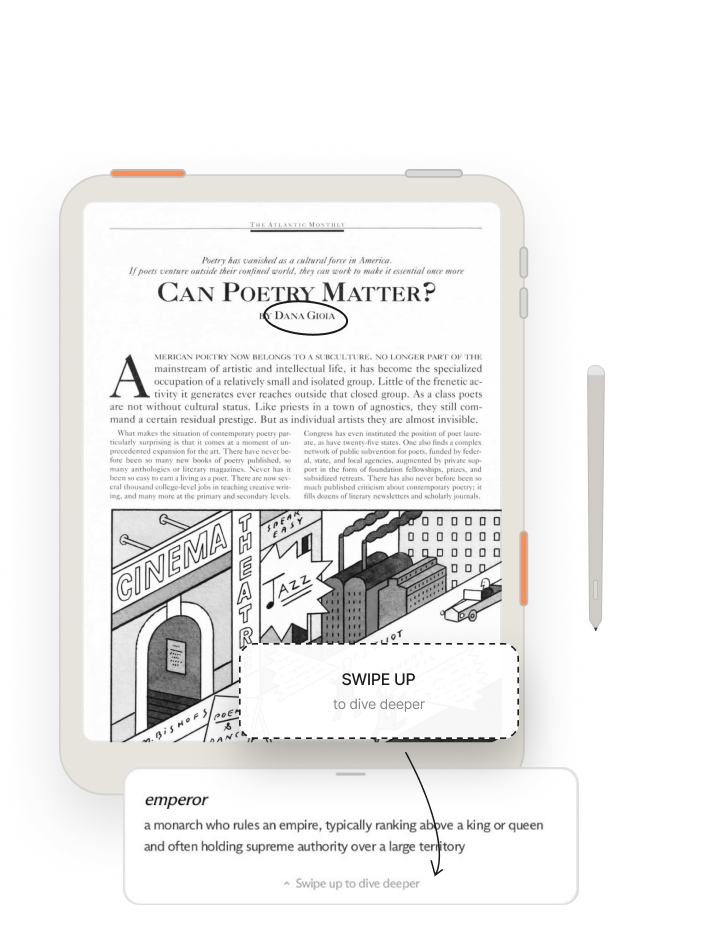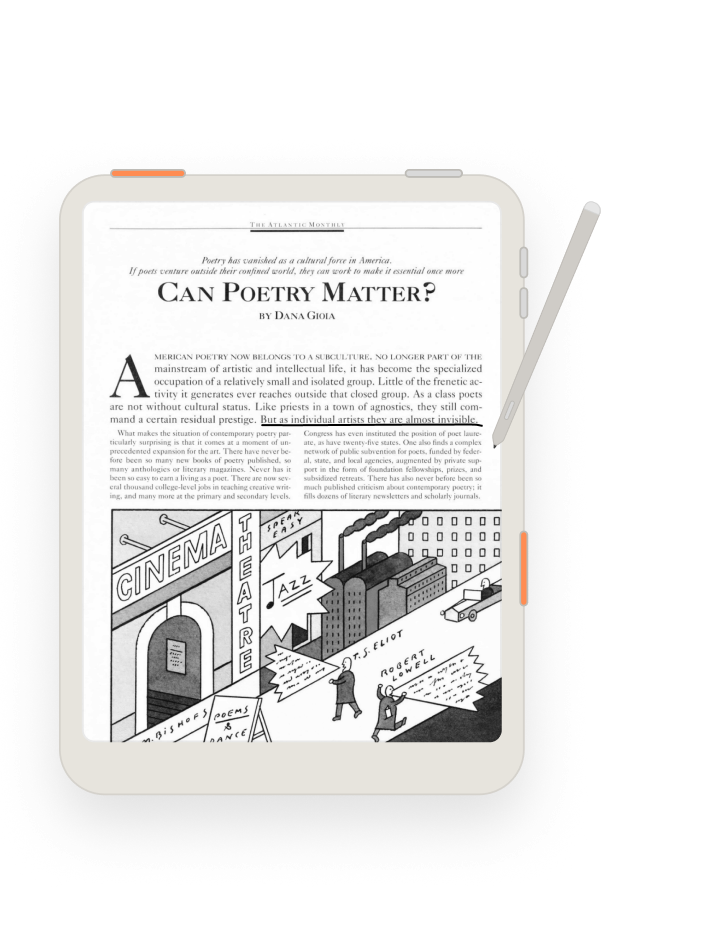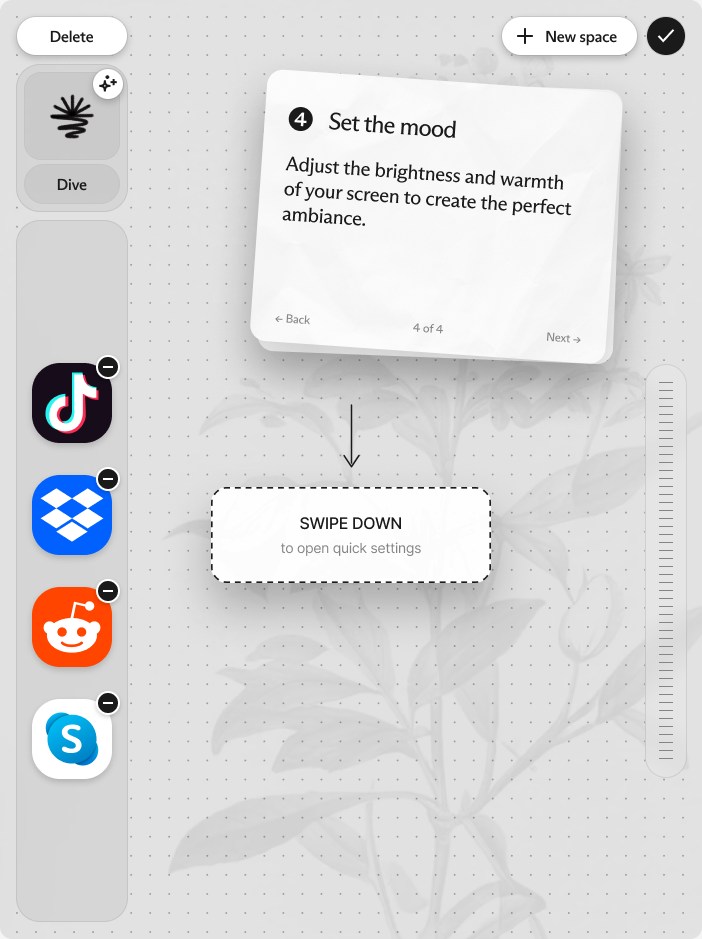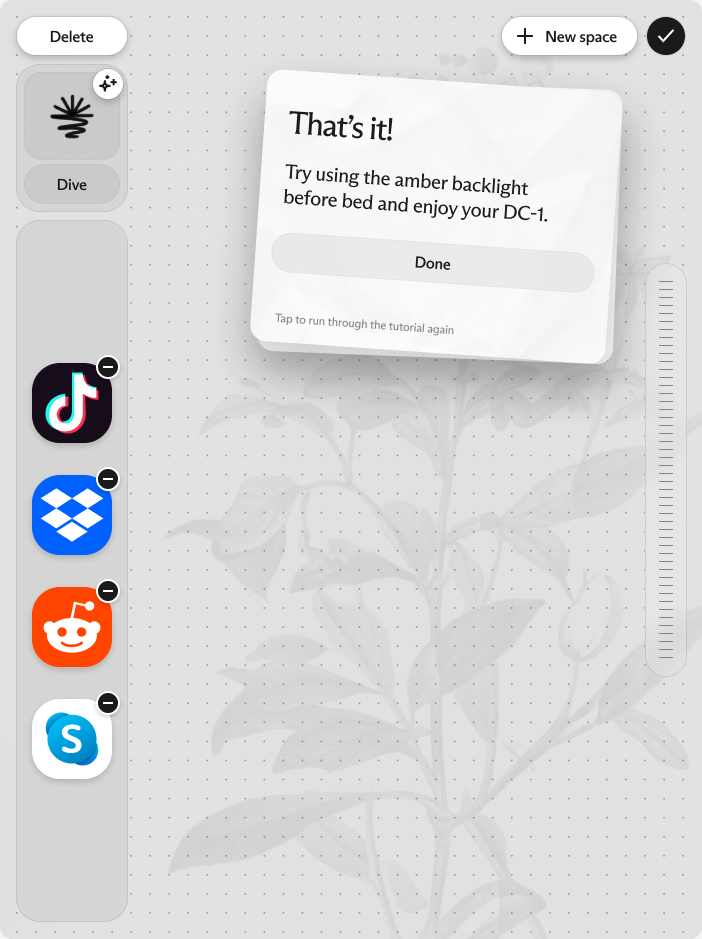

The DC1 is a grayscale, blue-light-free epaper tablet that runs Android underneath, built to make technology feel calmer instead of more compulsive. The onboarding patterns I could borrow all assume color, familiar contrast, and conventions people already know, and almost none of it transfers. Every decision below started from one of those constraints.
Language
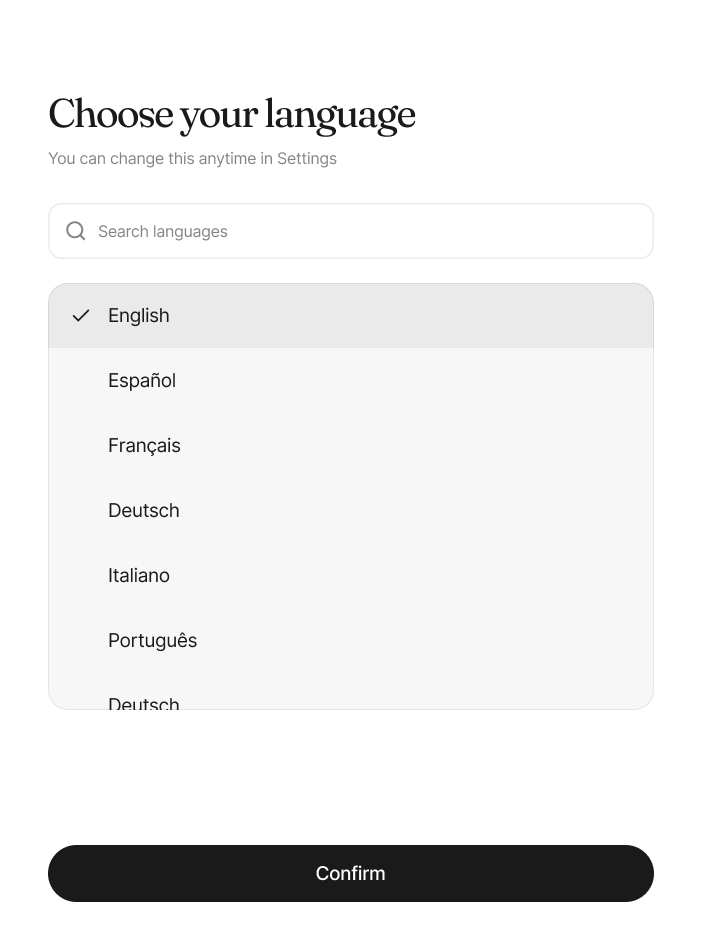
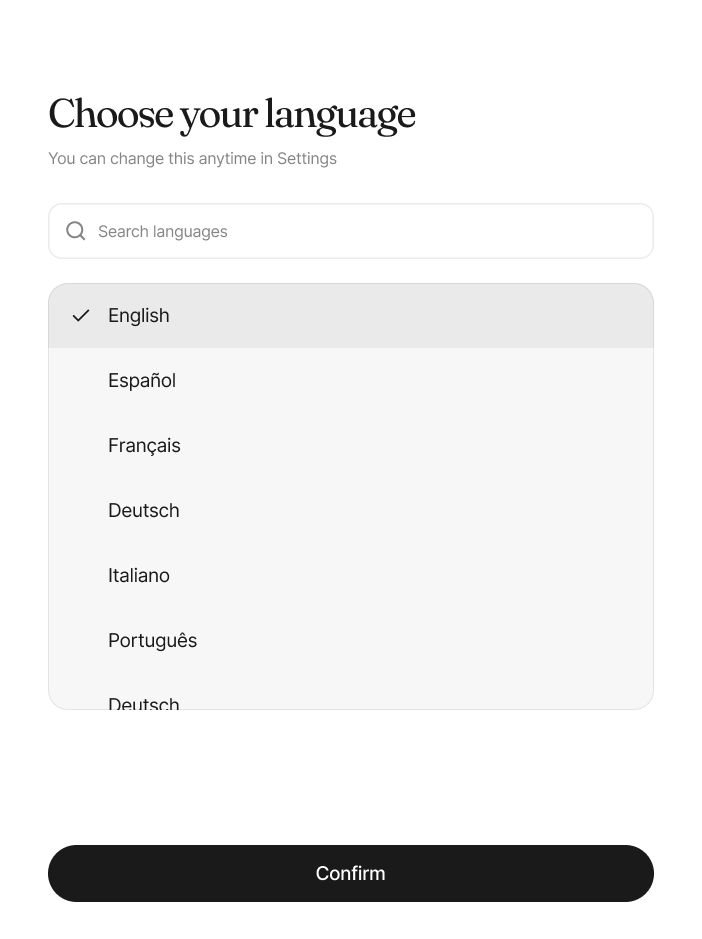
Language selection is the first screen. I knew a first screen can’t lean on language and had built an earlier version around that, but the team decided it was safe to assume anyone unboxing a DC1 reads English.
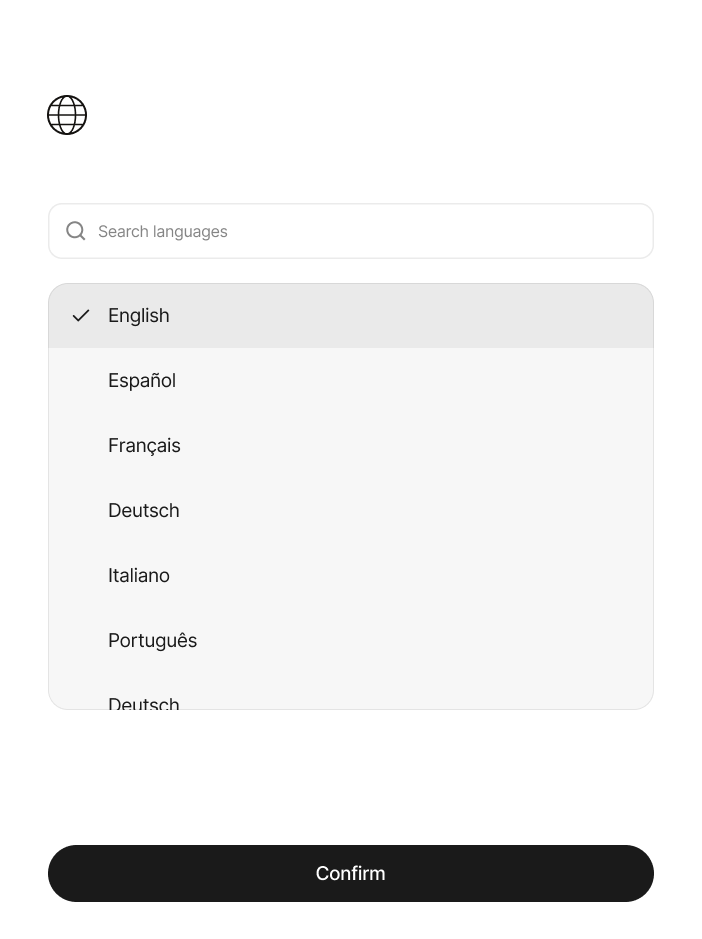
I kept language first regardless: even if you can’t read the headings or the copy, a list of languages in their own scripts tells you to scroll and find your own. Every language appears in its own name, so you find yours by recognition.
Background downloads
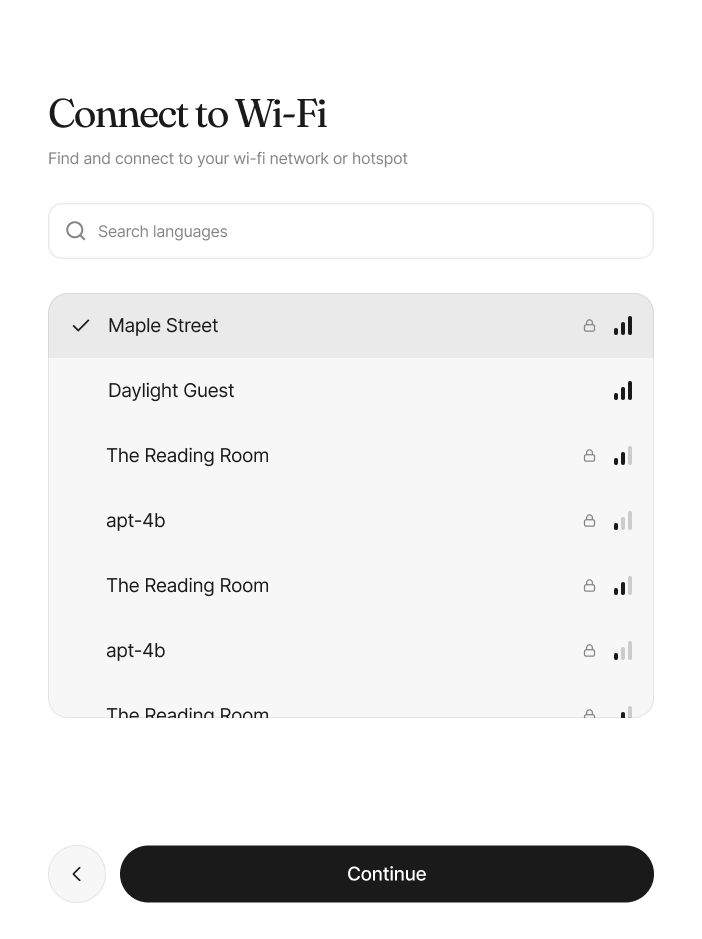
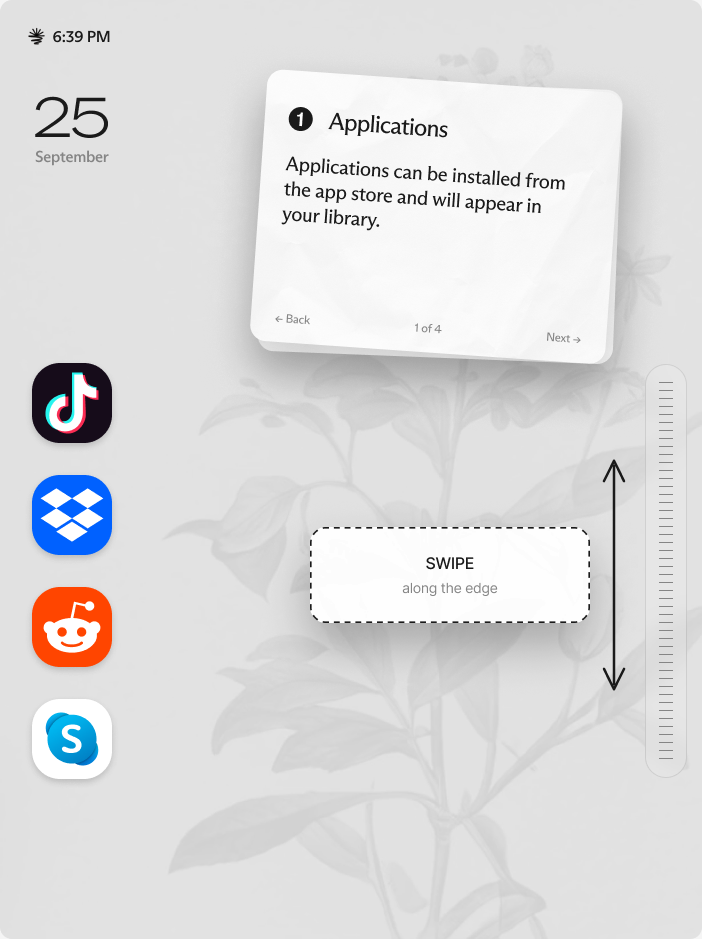
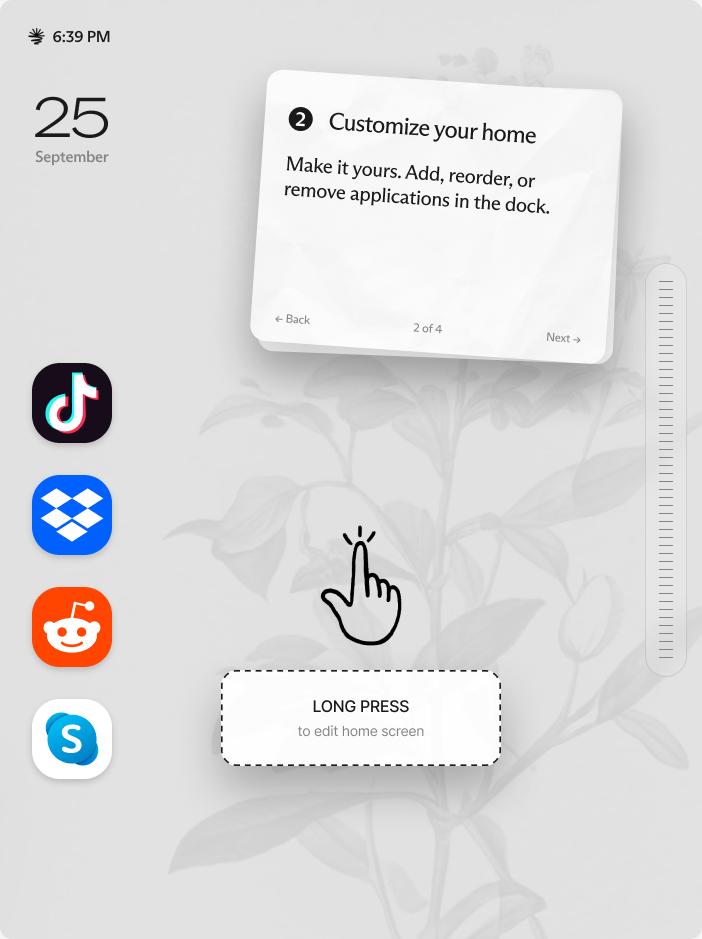
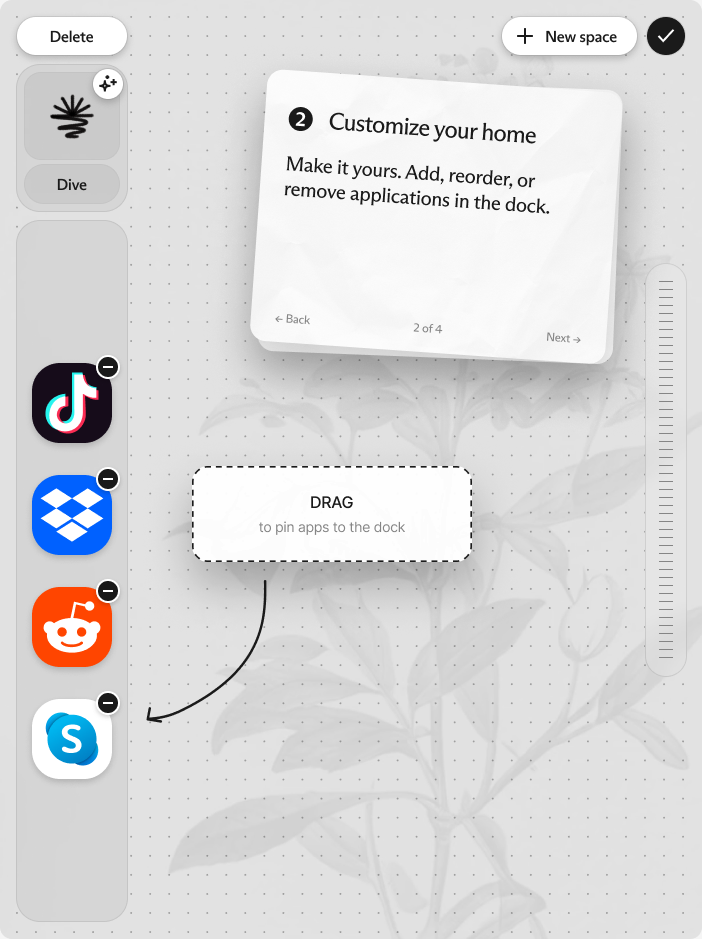
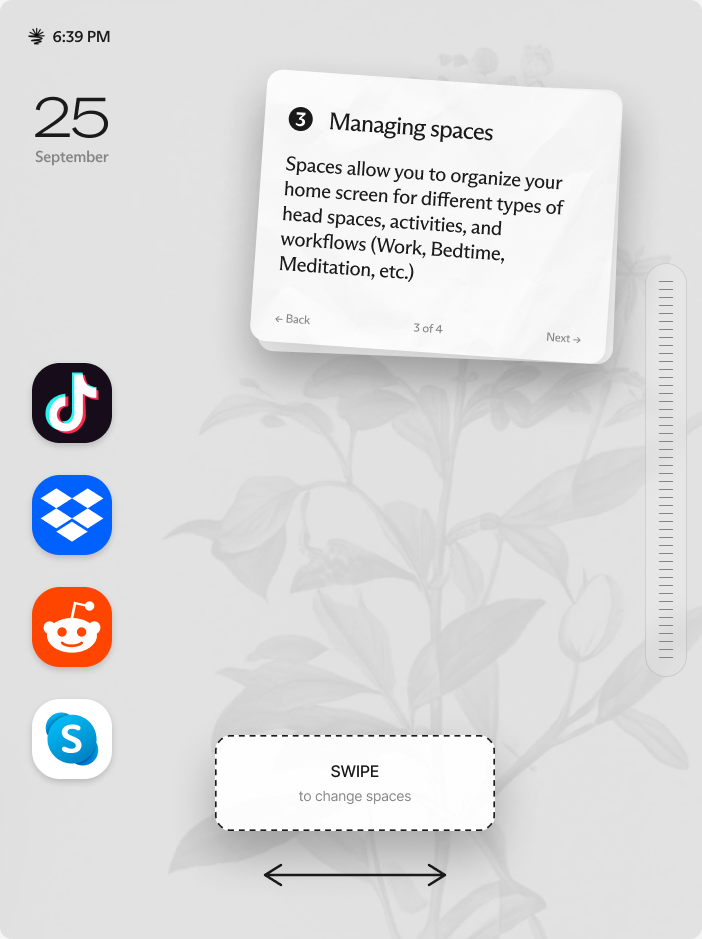
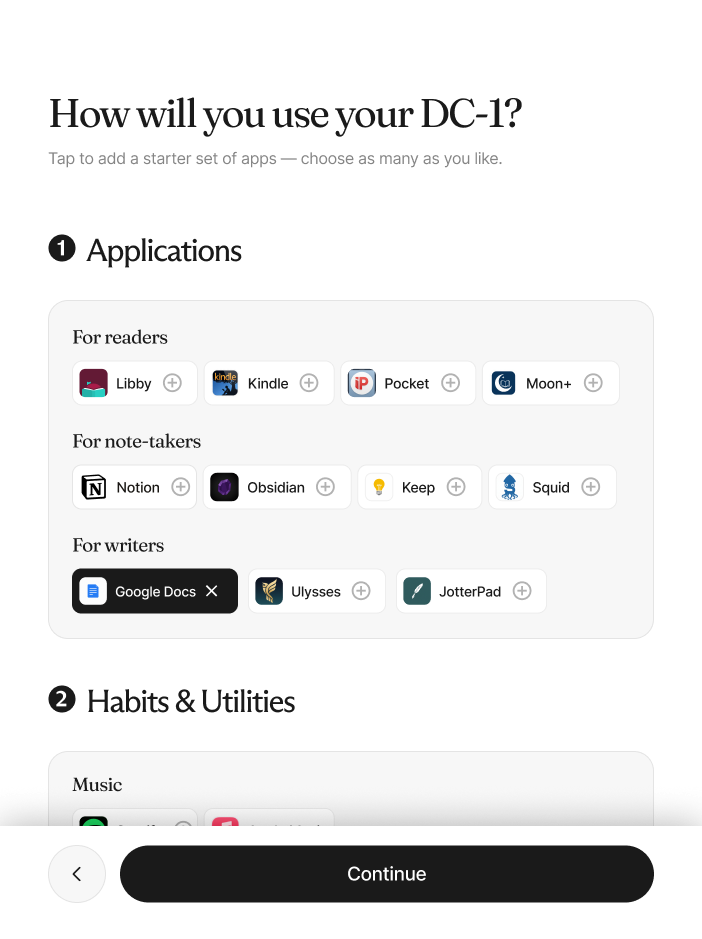
Sign-in and app selection sit right after the network step, so downloads start early and run in the background. The long stretch that follows, the hardware tour and the gesture tutorial, is cover for that download.
By the time you finish learning the device by hand, your apps are installed and the tablet is already yours. With hardware, a confident first impression matters more than a short flow.
App store
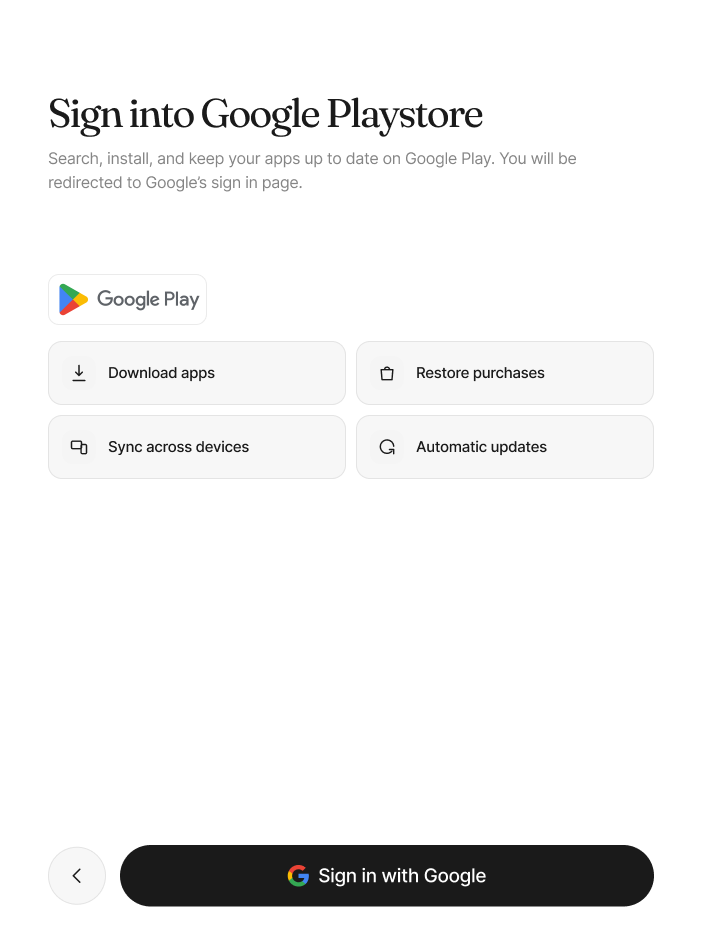
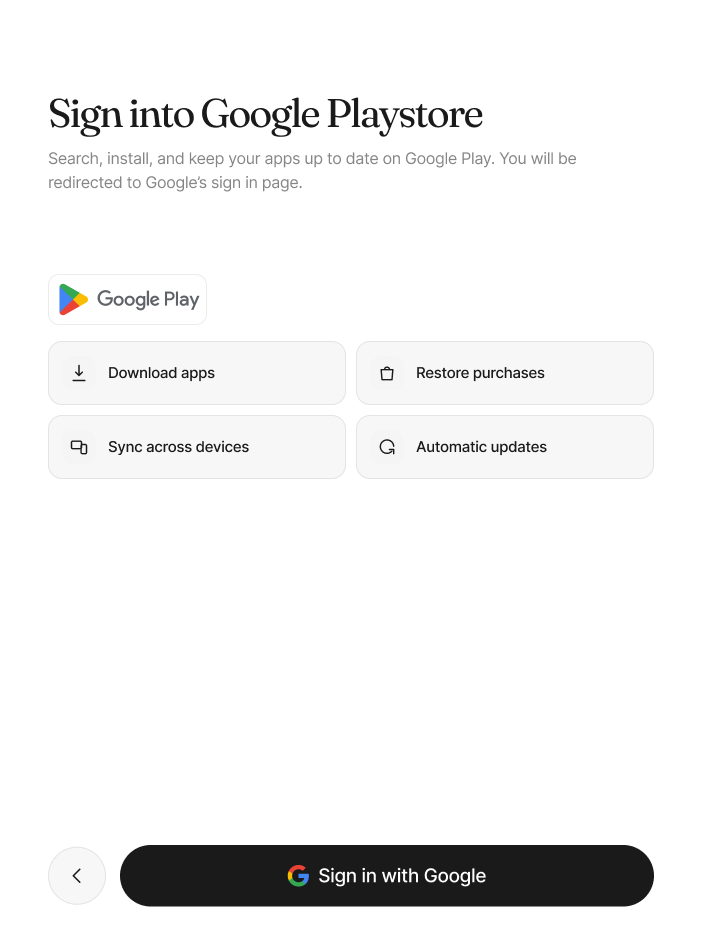
People trained on Apple hardware arrive hunting for an App Store that isn’t here. So the screen names the Play Store outright and keeps the Google Play logo in its real color, the one deliberate break from the grayscale system, because trust matters more than palette purity at sign-in. I also pushed for a fix outside my lane: typing App Store into search on the device suggests the Play Store.
Dark mode
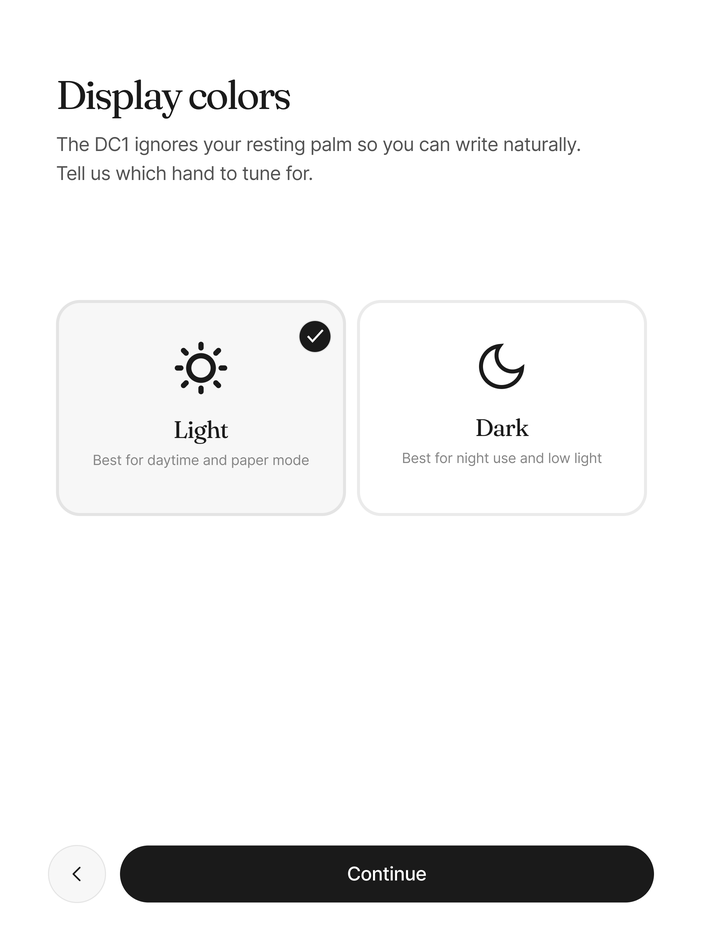
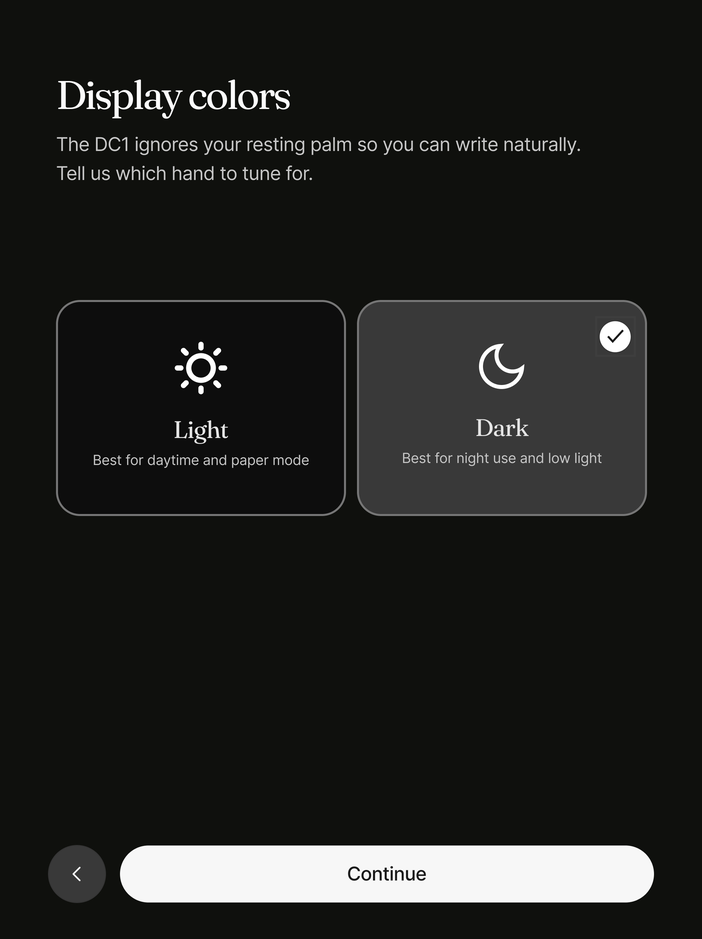
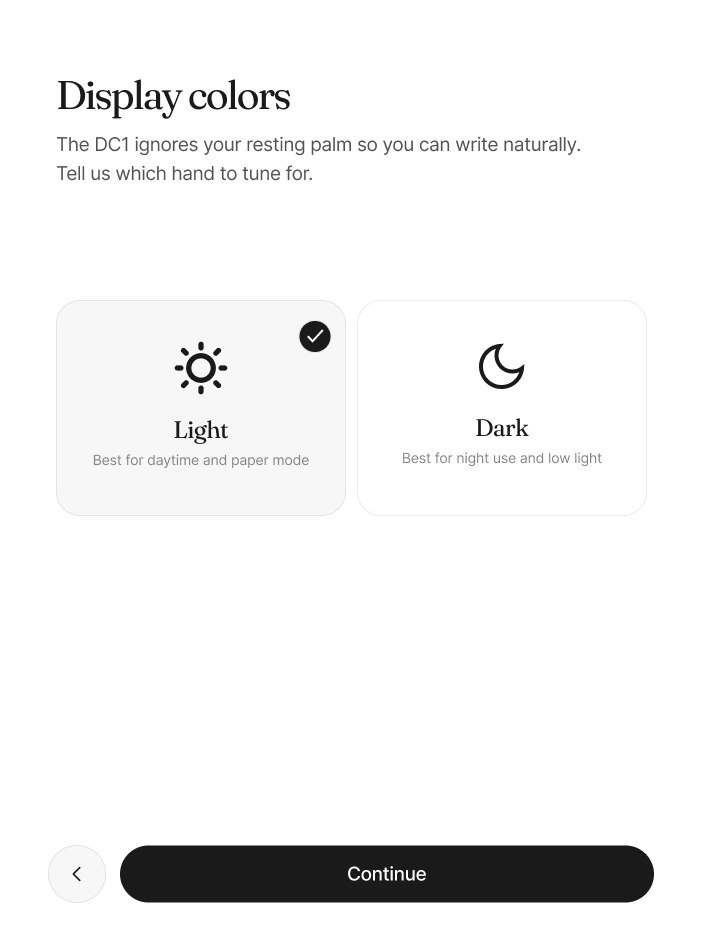
Inverting a light theme does not produce a usable dark mode, least of all on epaper, where contrast behaves on its own terms. I built the real mapping instead: every light value gets a calibrated dark partner, not its negative.
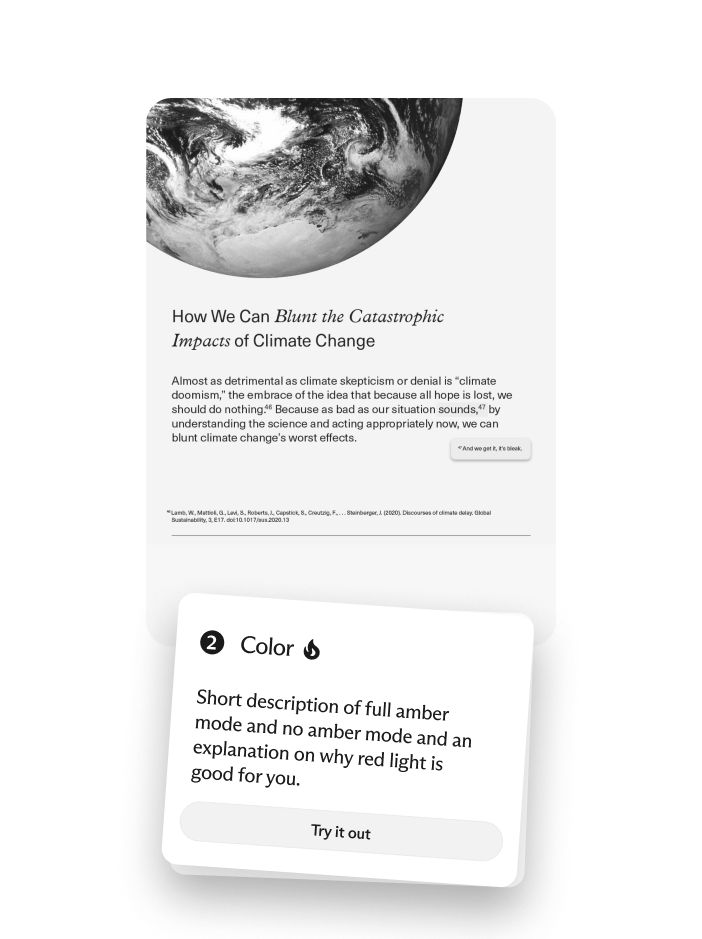
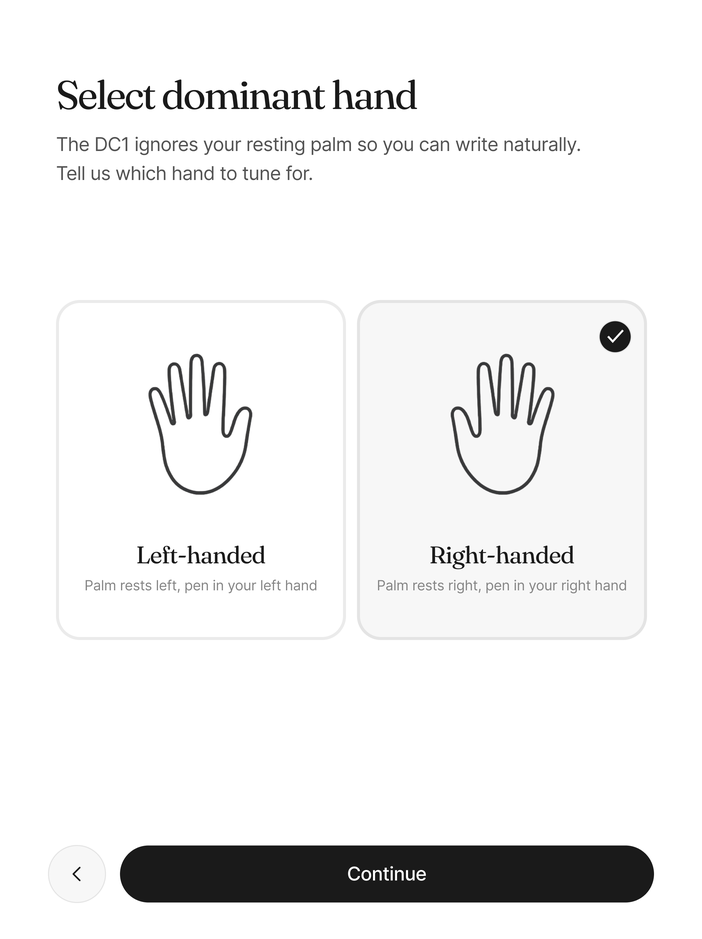
With the amber backlight on, whites warm toward orange, so color is something you feel on the panel rather than reason about on a monitor. The tablet boots with the backlight slightly on, so the very first frame is already warm. The same run tunes the device to the person holding it: you choose the theme, and which hand you write with, so the DC1 can ignore your resting palm.
Hardware
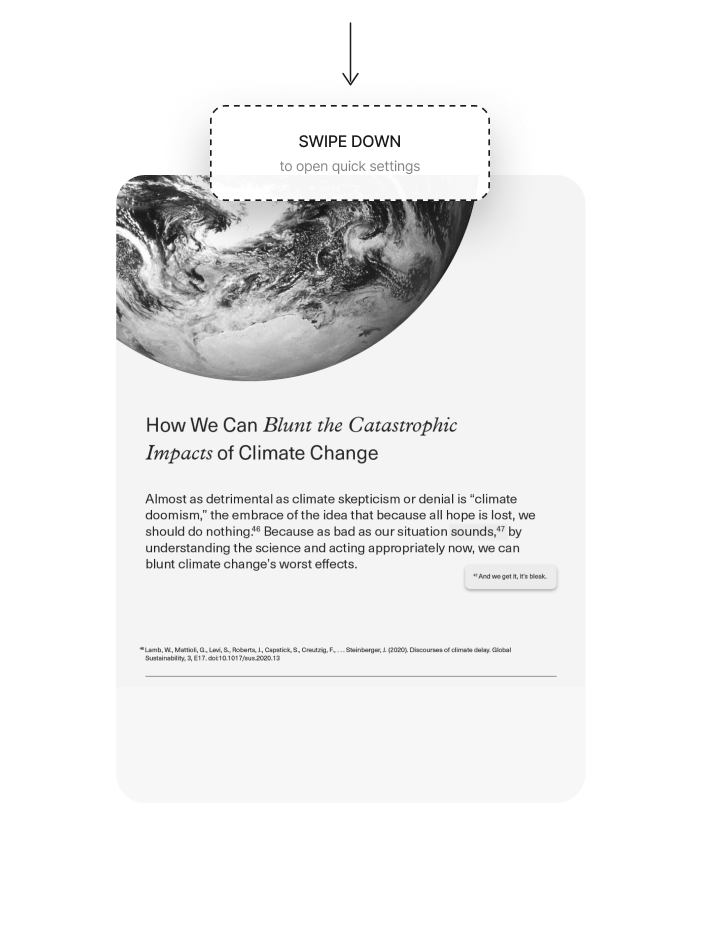
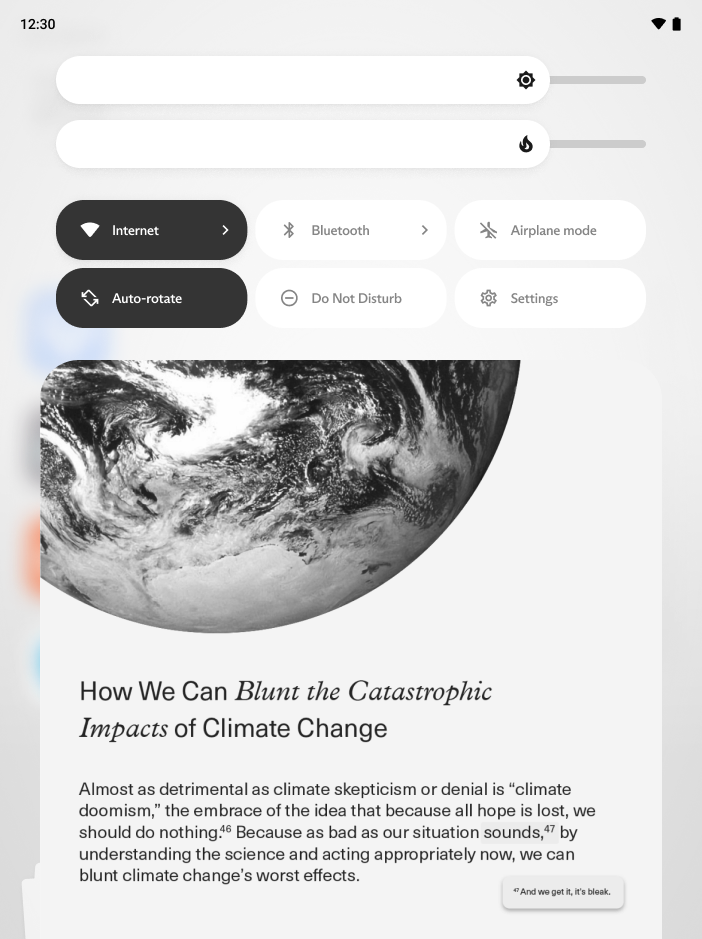
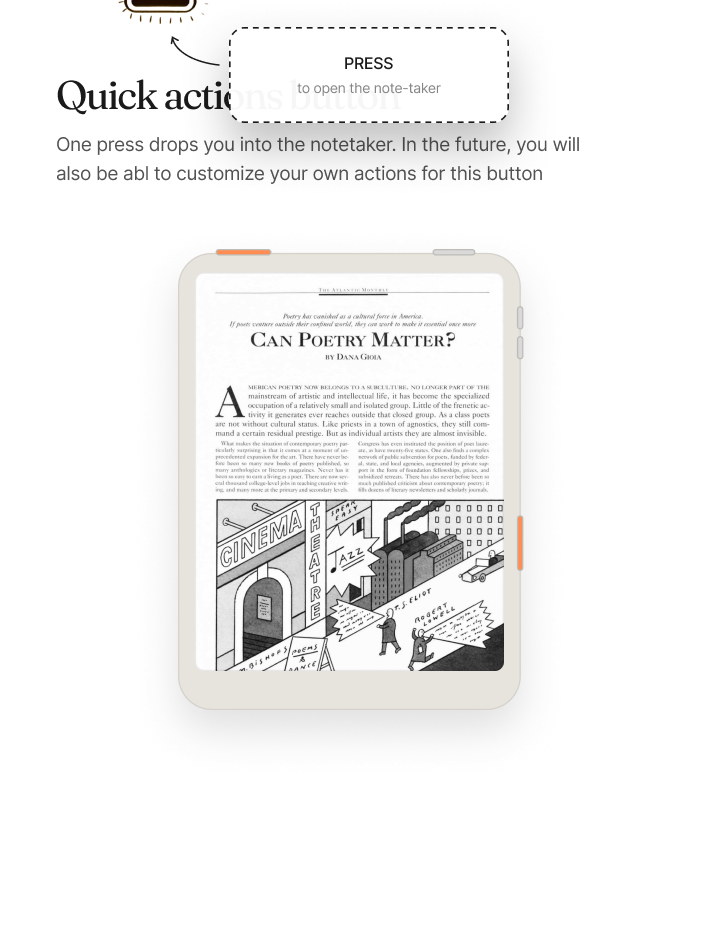
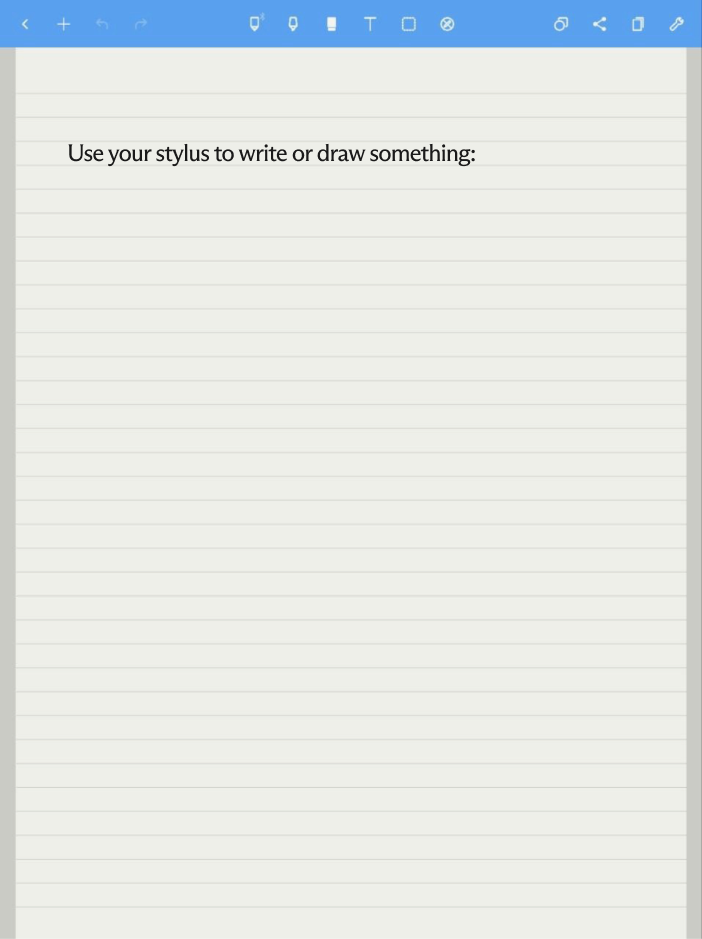
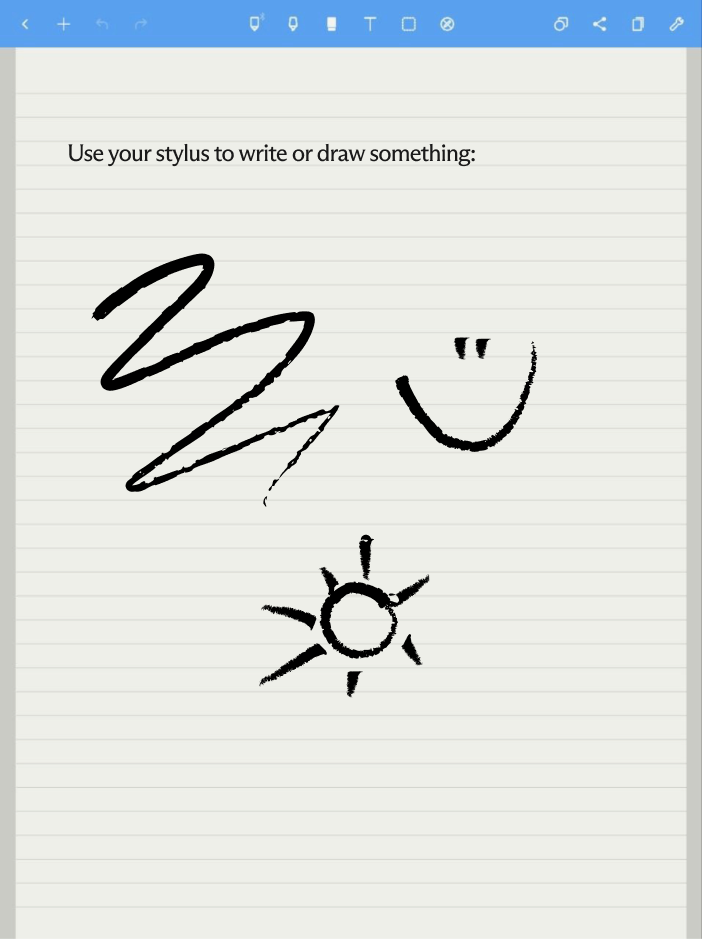
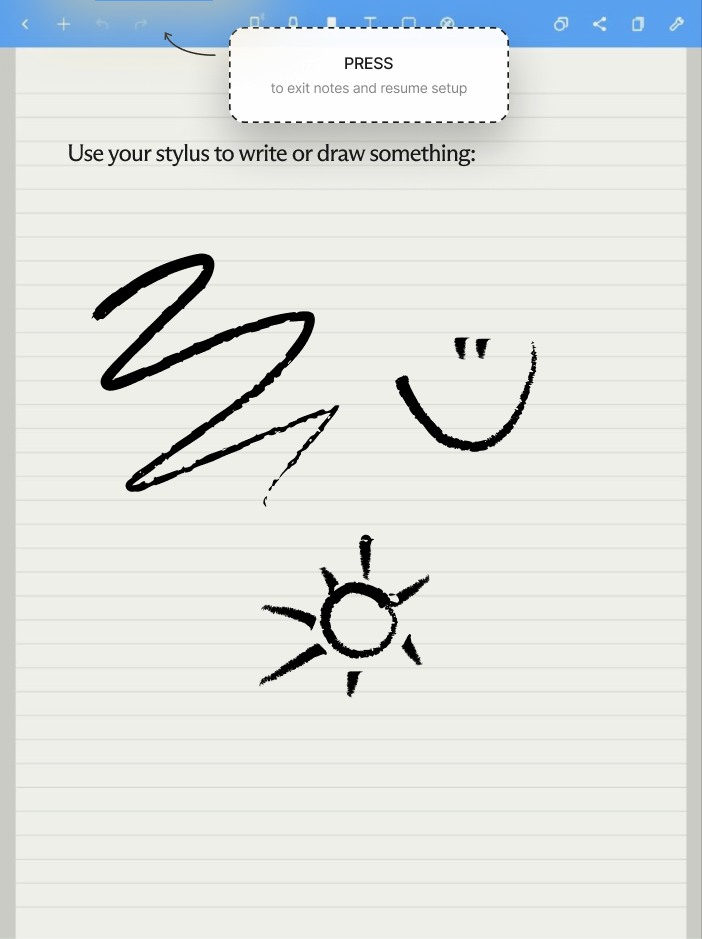
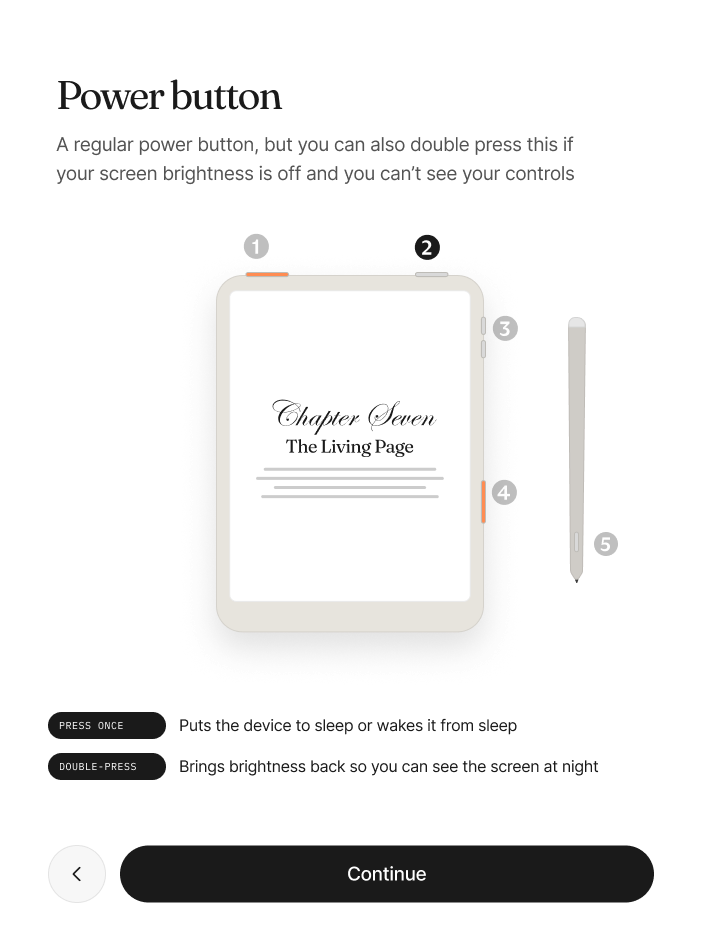
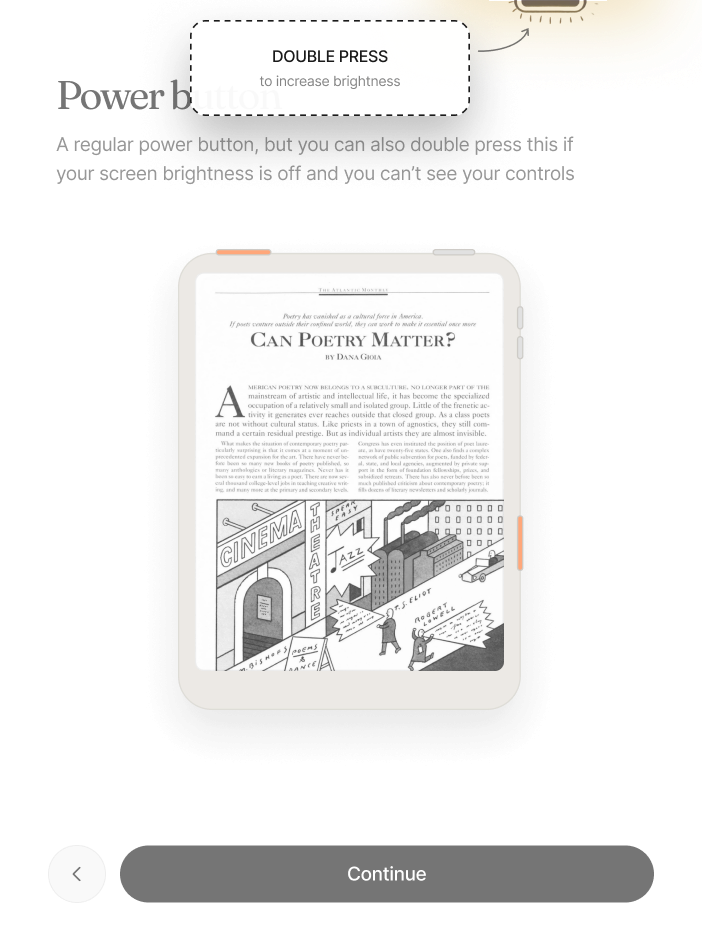
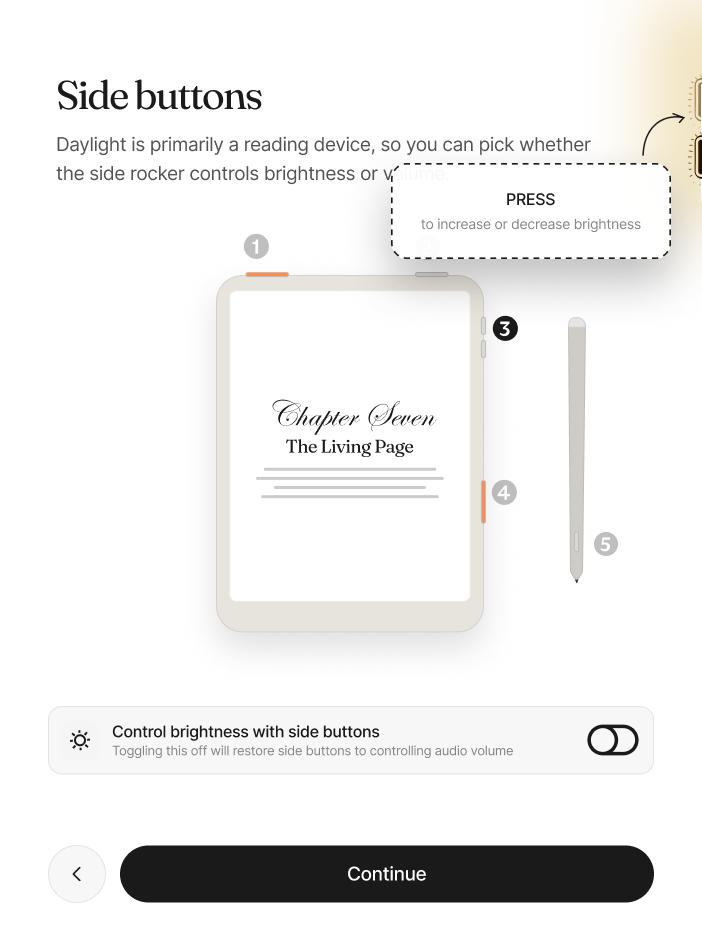
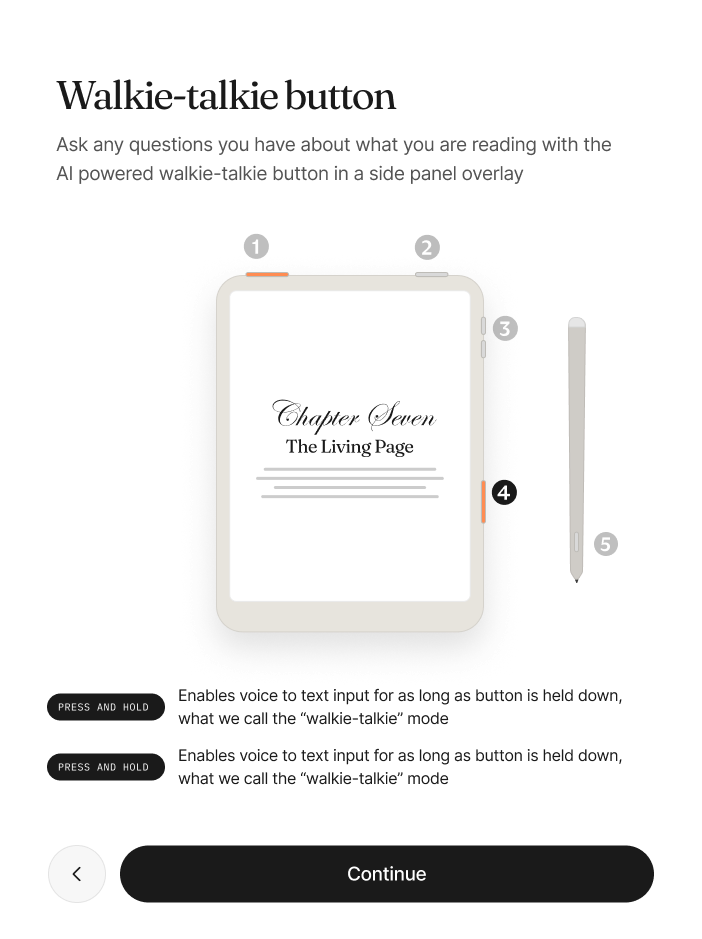
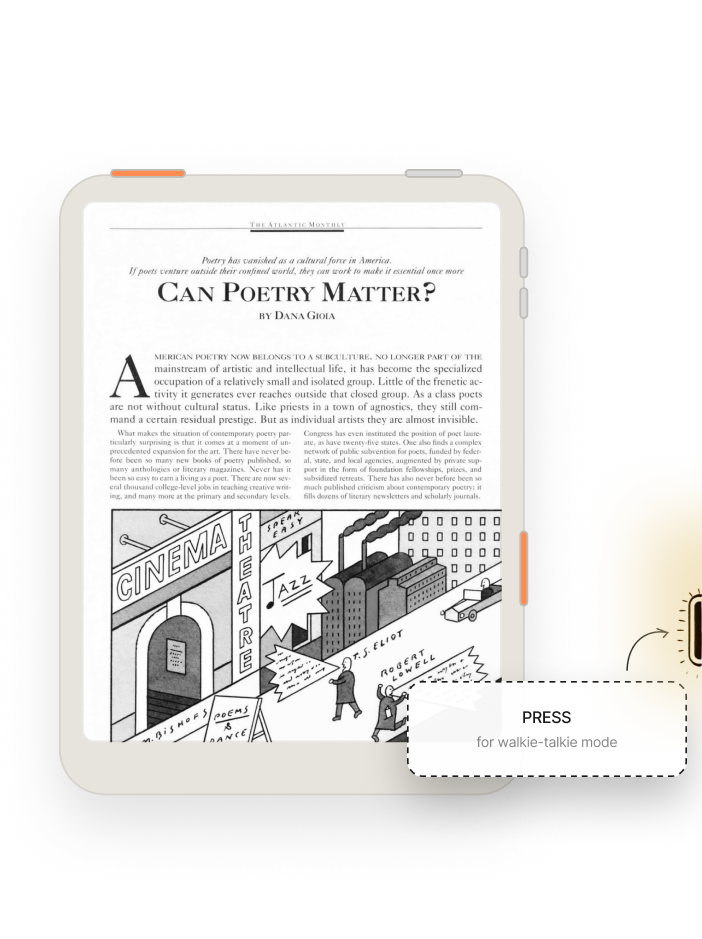
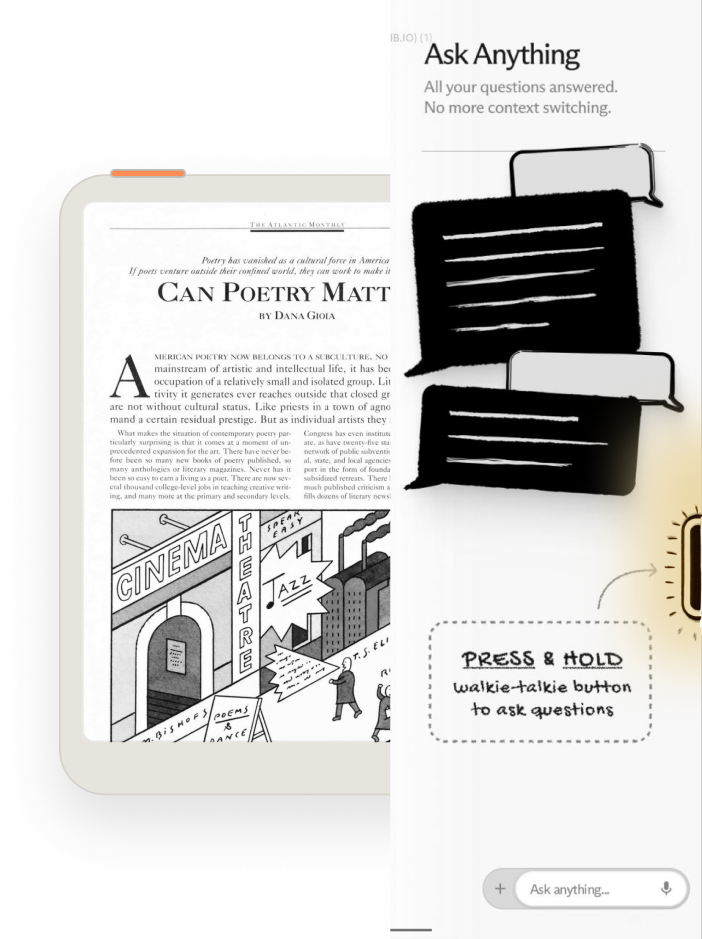
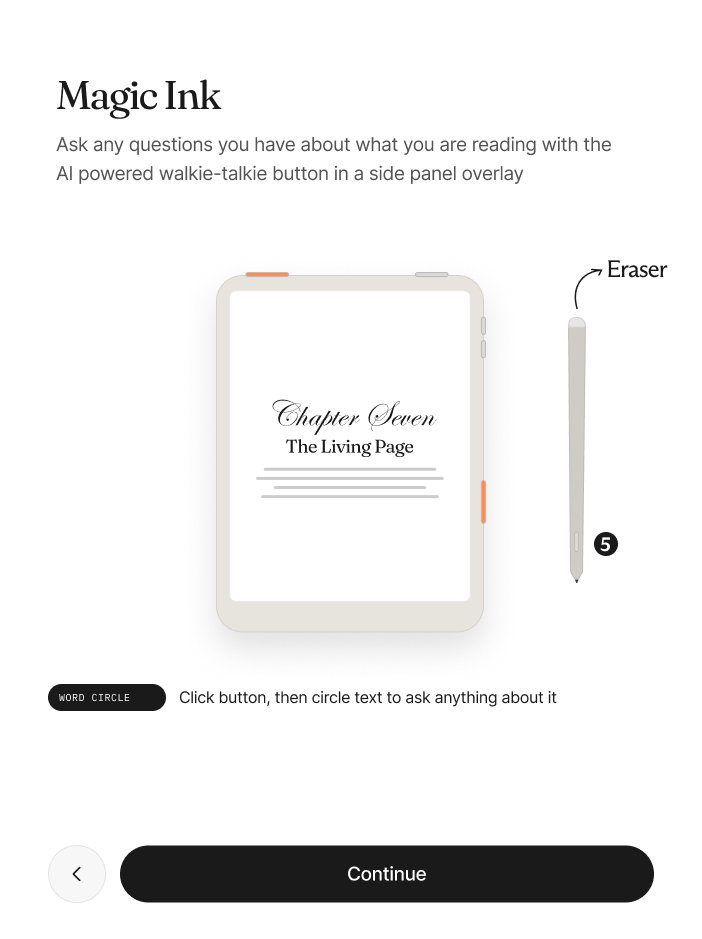
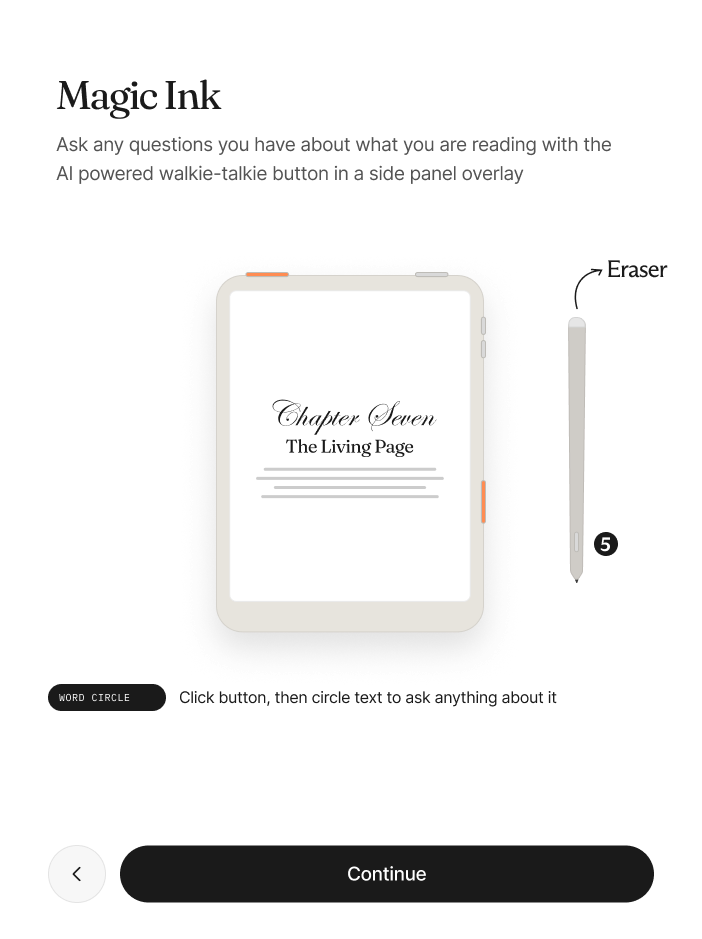
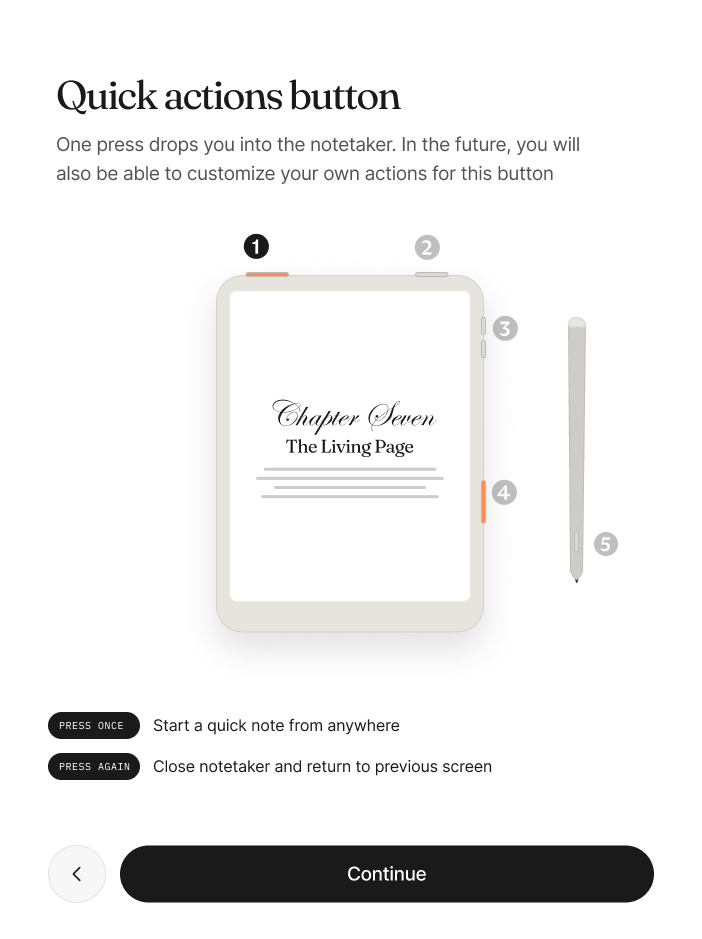
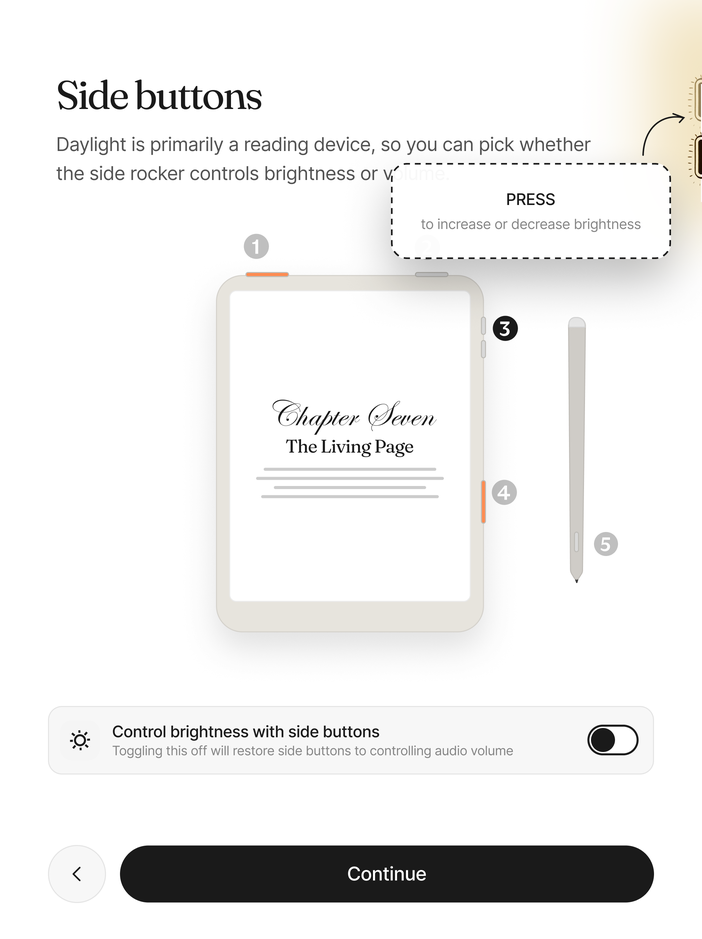
People learn a new input model by doing it once, not by reading about it, so the hardware tour hands the buttons over:
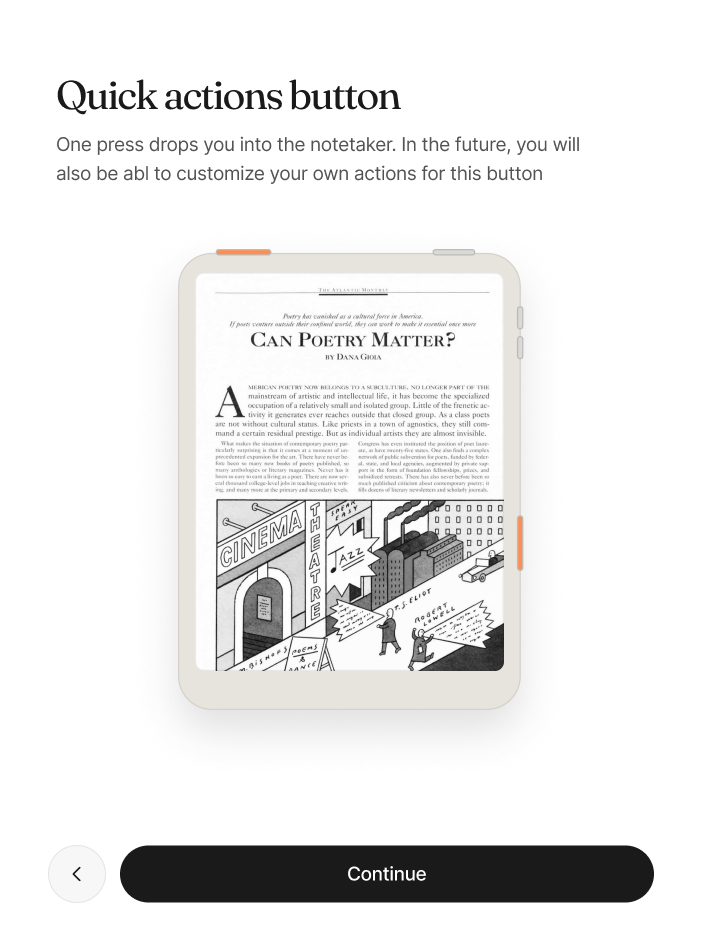
- Press the quick action button and the note taker opens.
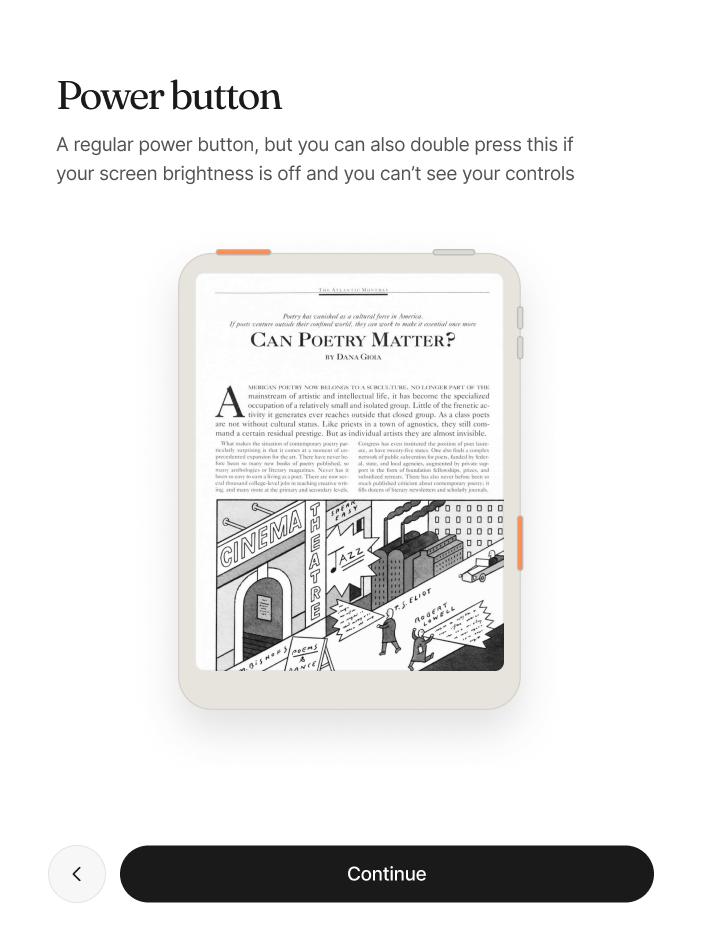
- Double press power to jump back.
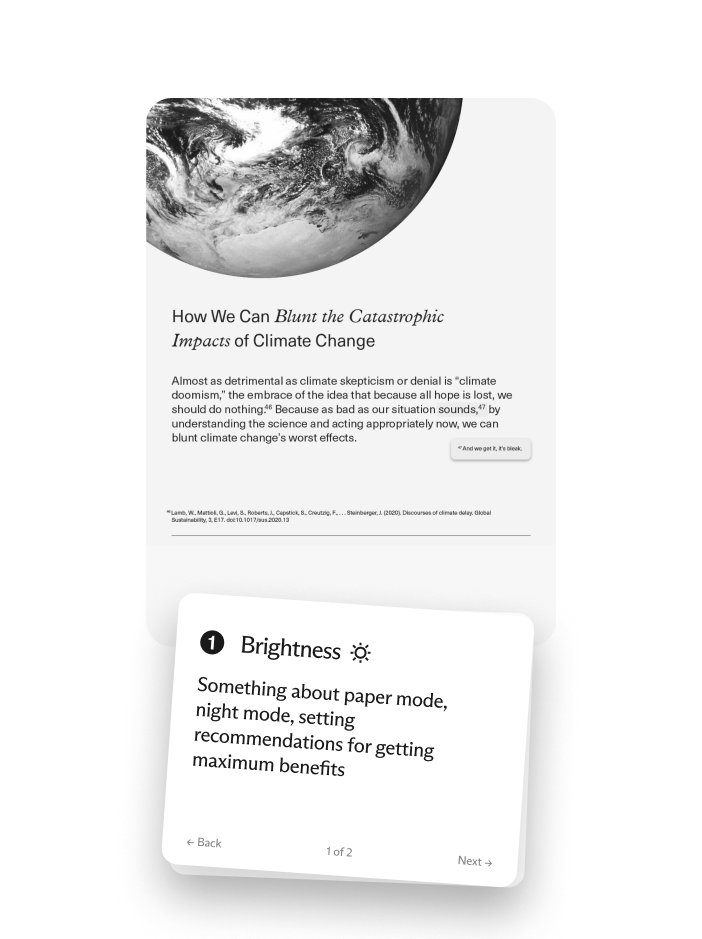
- Pick brightness or volume on the side rocker, and if you pick brightness you try it right away.
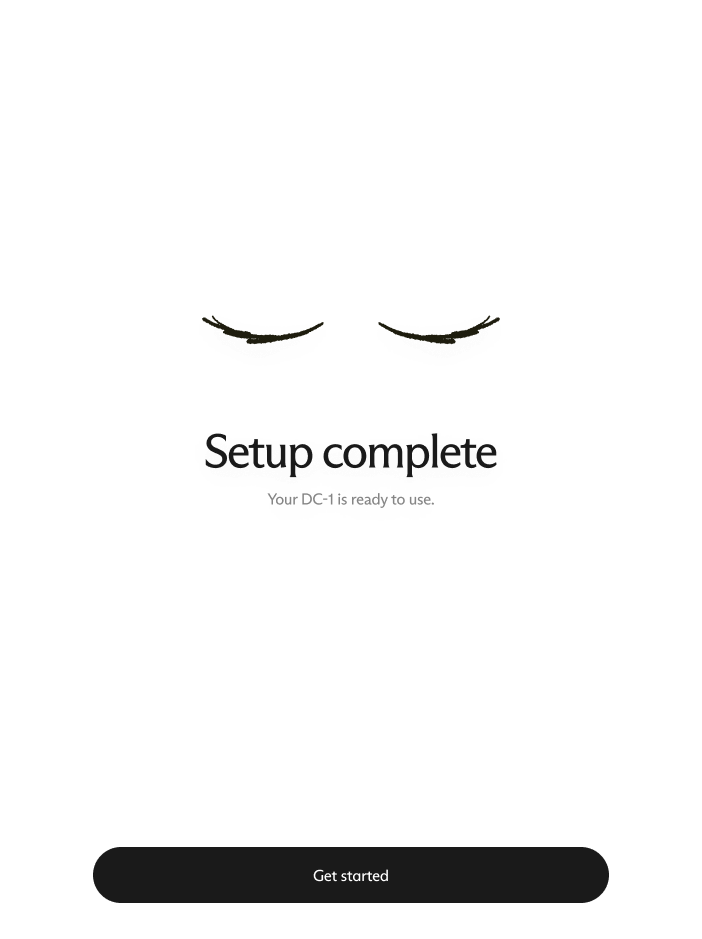
Every step ends with a small confirmation, so finishing reads as finished.
Full flow
The full flow, screen by screen: grayscale ink and one amber accent, never color.