Idea
I went to Alaska in 2024 to see the aurora. Photos actually capture it better than the naked human eye, because the cameras are better. It was a larger than life experience, and I carry very fond memories of that trip.
I’ve been fascinated by space science, and aurora science in particular. I wanted to build a simulator I could interact with, to recreate what I saw while learning more about the different factors that affect how an aurora looks.
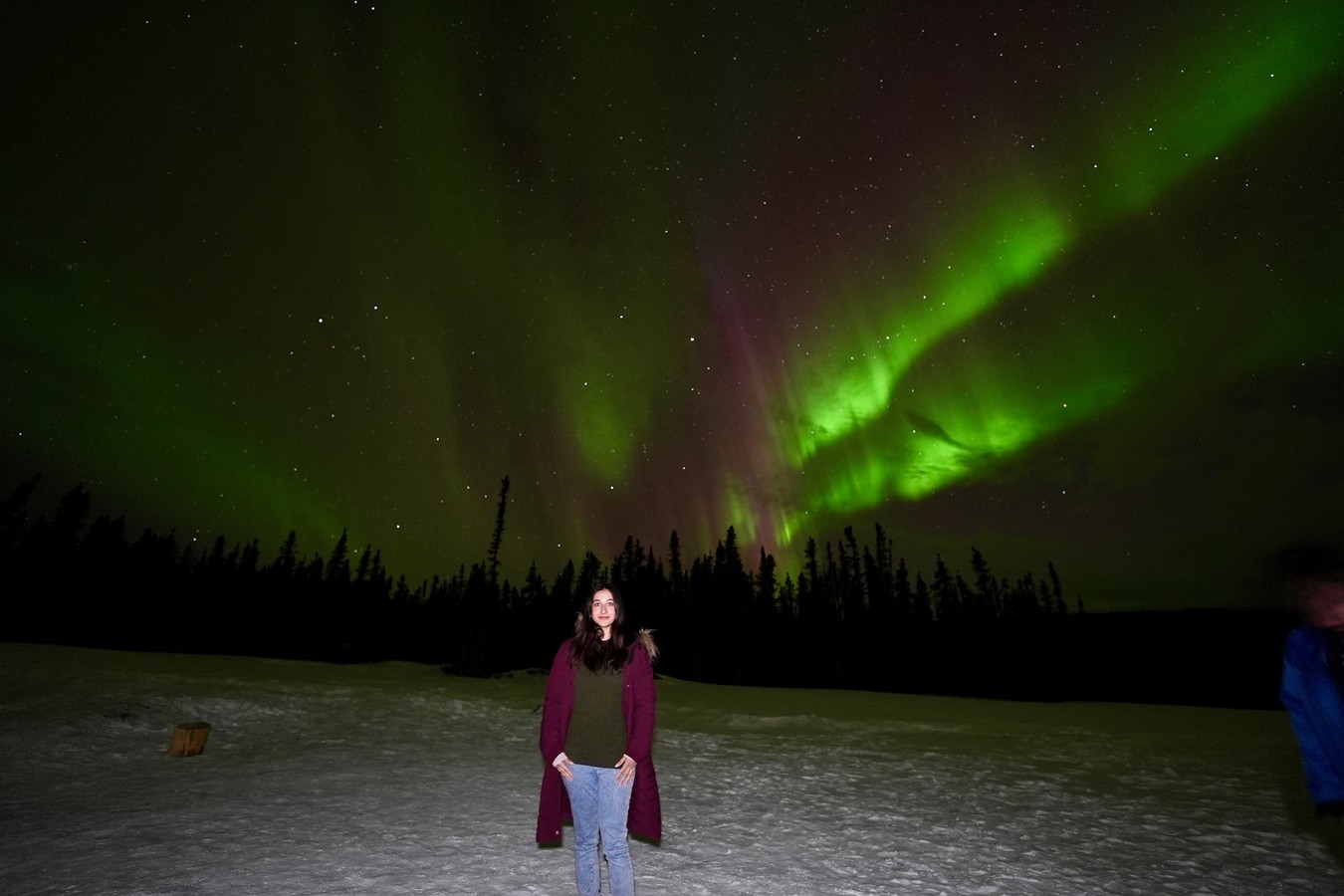
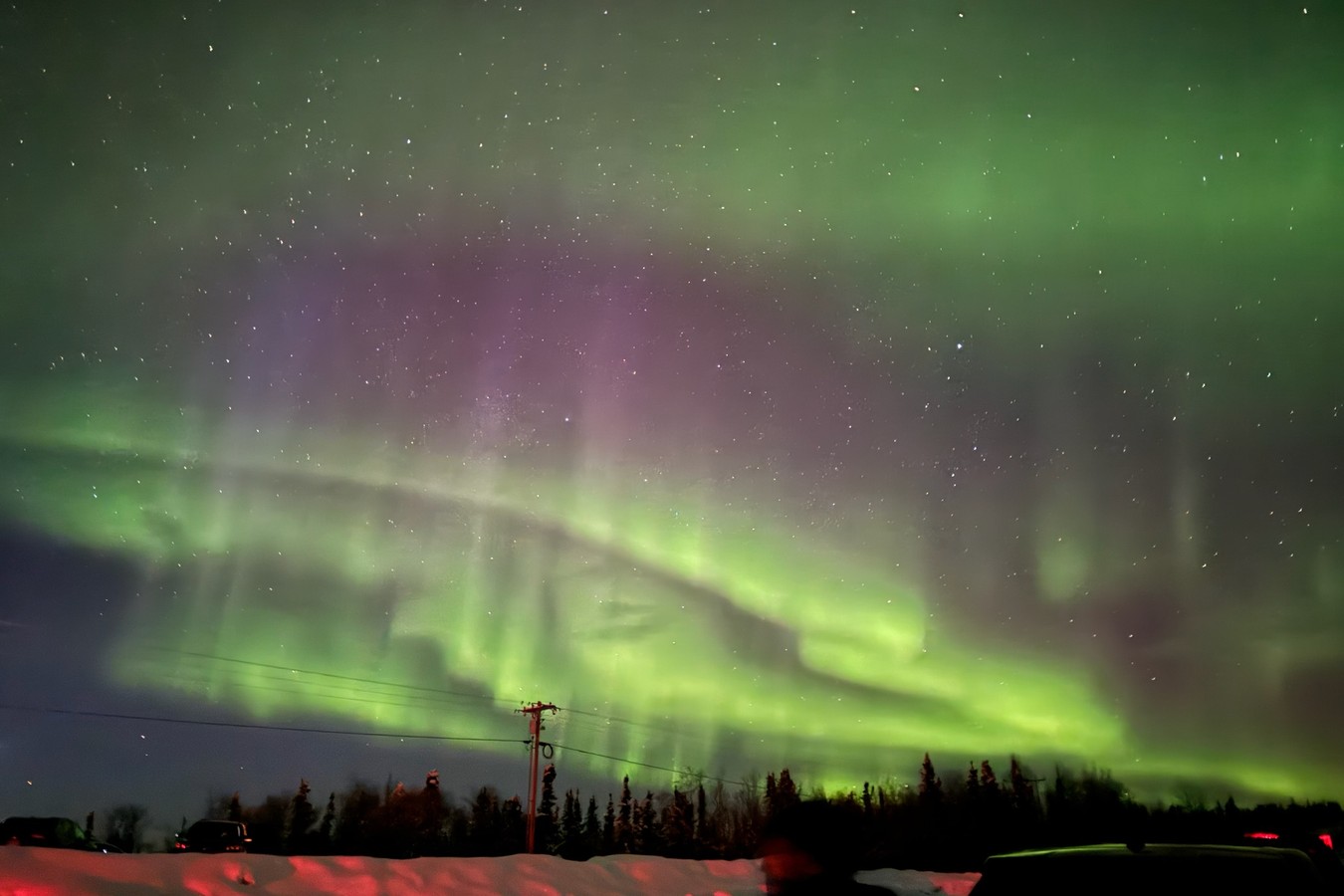
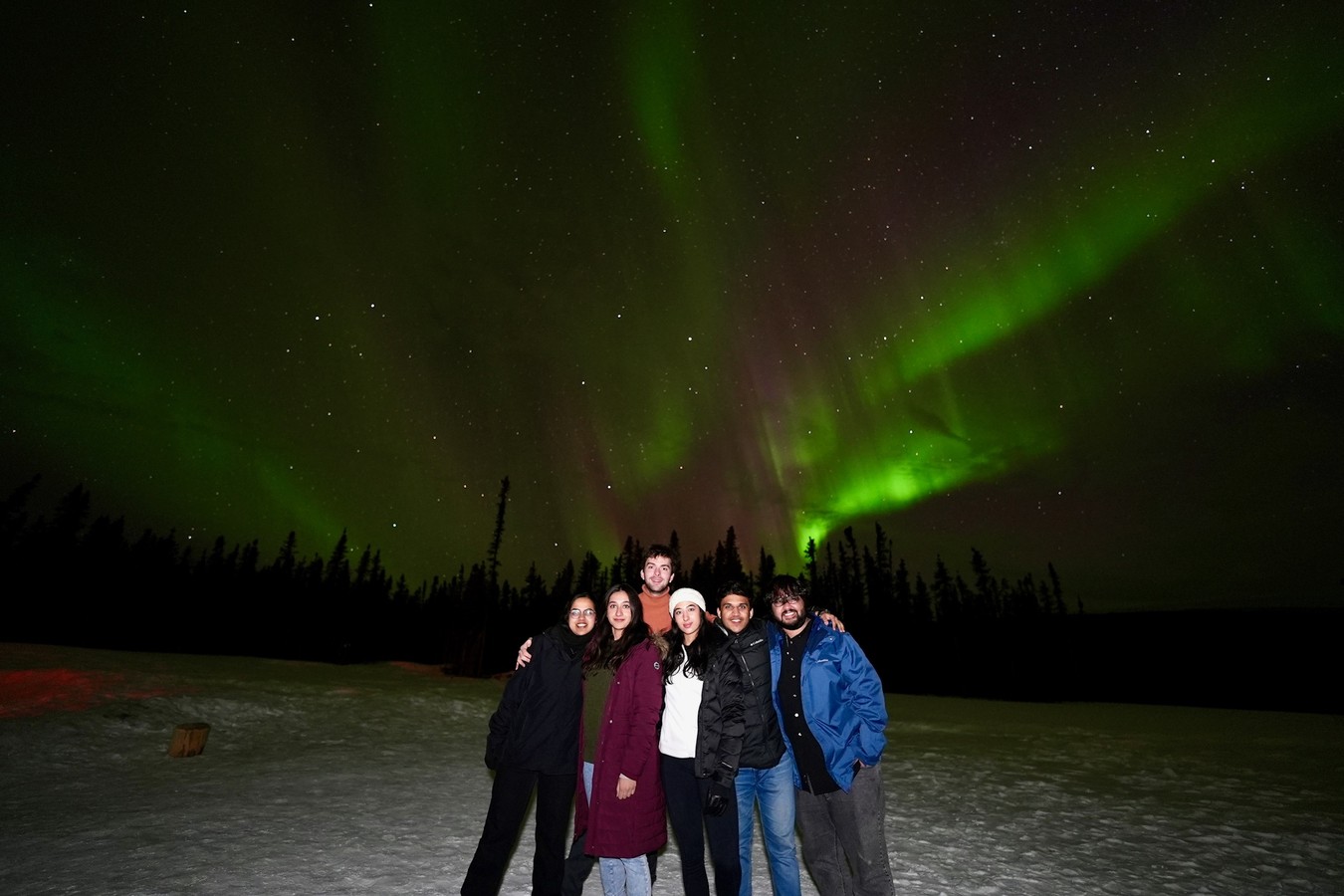
Tools like this used to take real resources, someone to design it and someone to code it by hand, so most of it stayed stuck in research papers. Now one person can vibe code an educational tool like this, which is what makes it exciting to me.
Globe
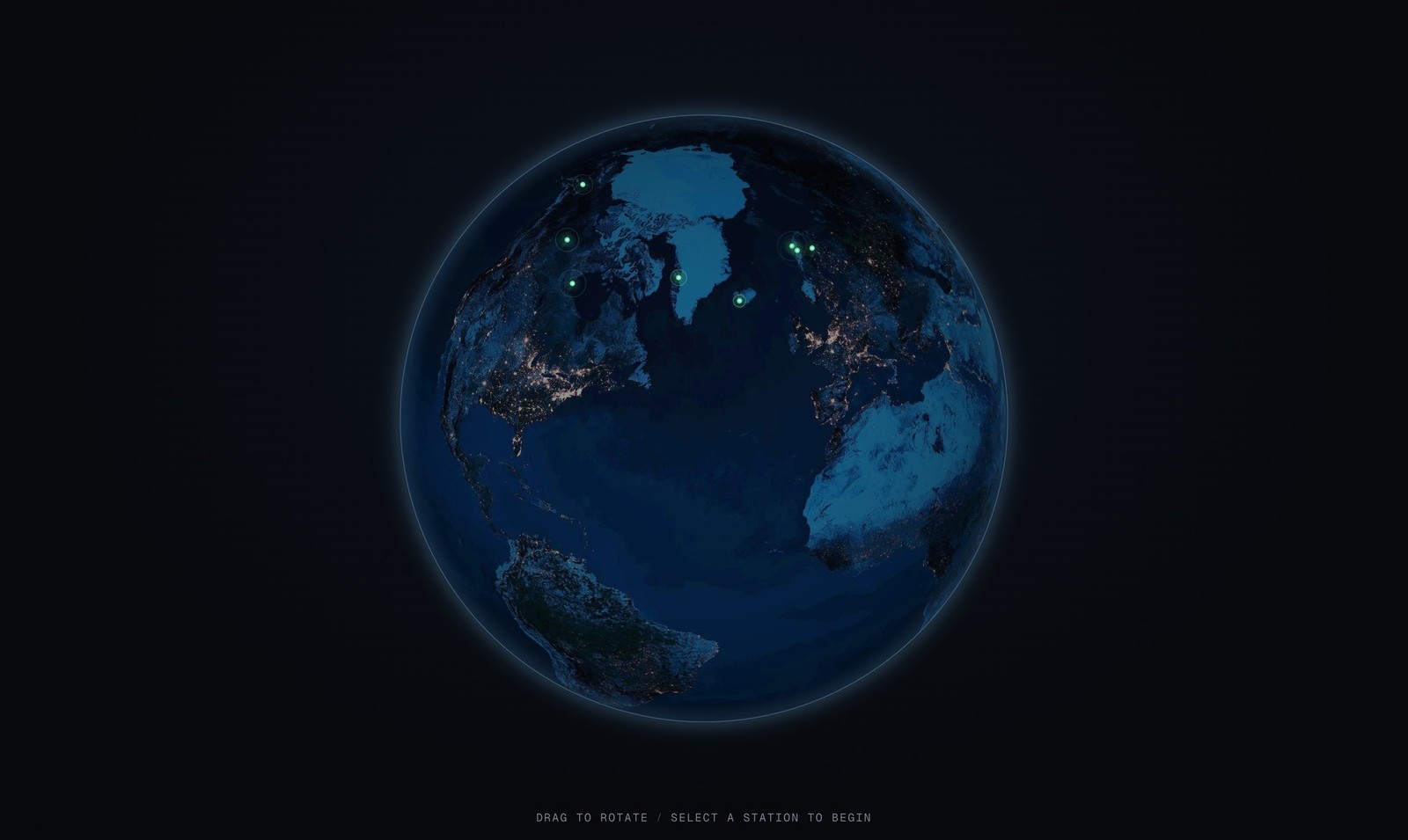
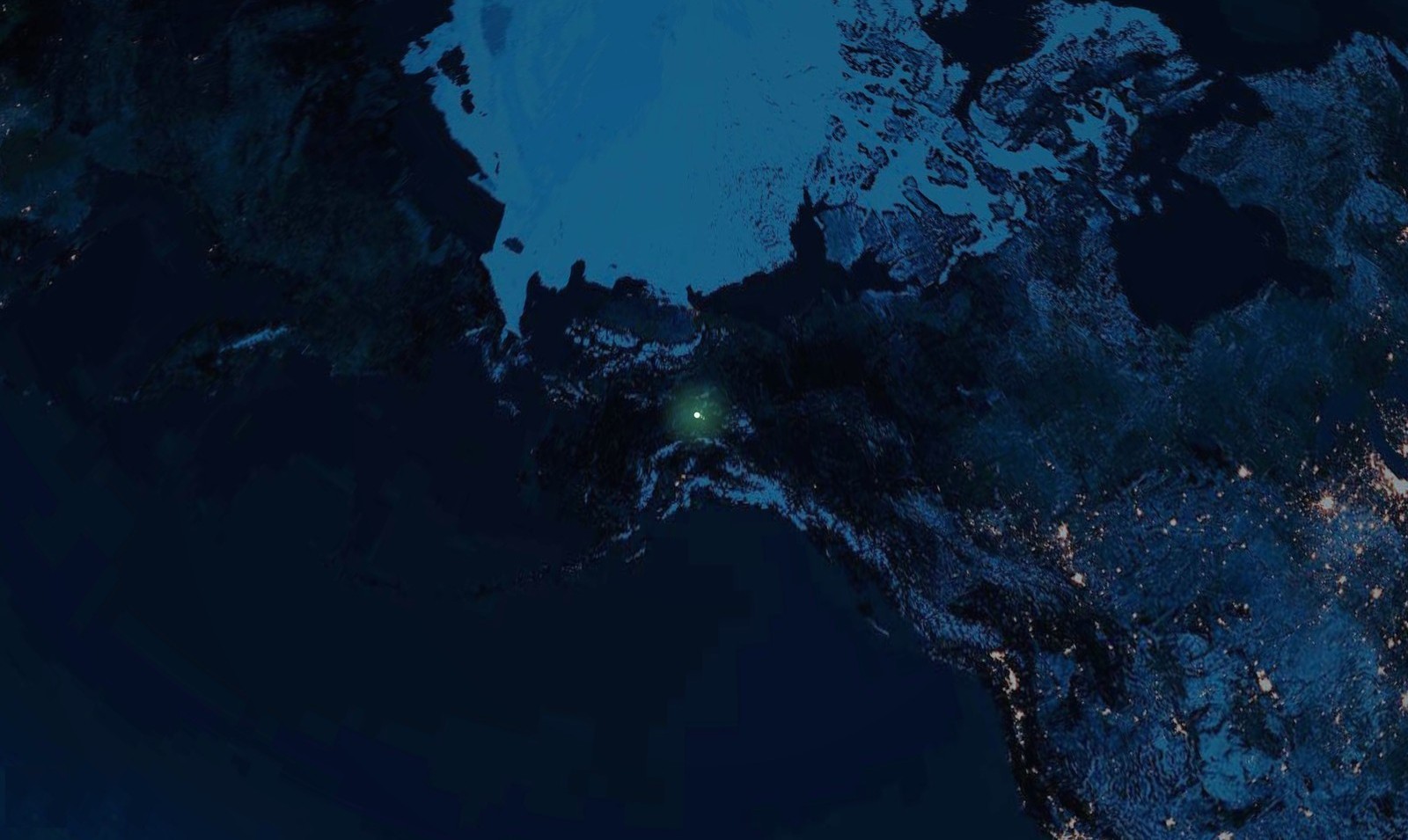
It opens on a slowly turning Earth. 10 spots where people actually go to see the aurora are marked on it, in the far north and far south, from Tromsø and Fairbanks up top to Hobart and Lake Tekapo down below. Spin the globe, tap one, and a small card tells you where it is, the best time of year, and what its aurora usually looks like. Fairbanks is on there, the sky I actually stood under.
Controls
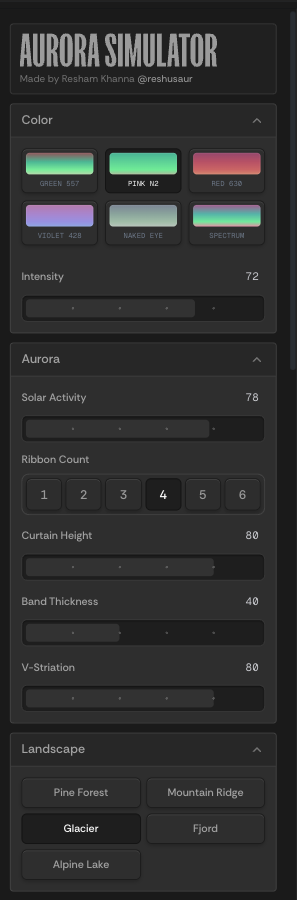
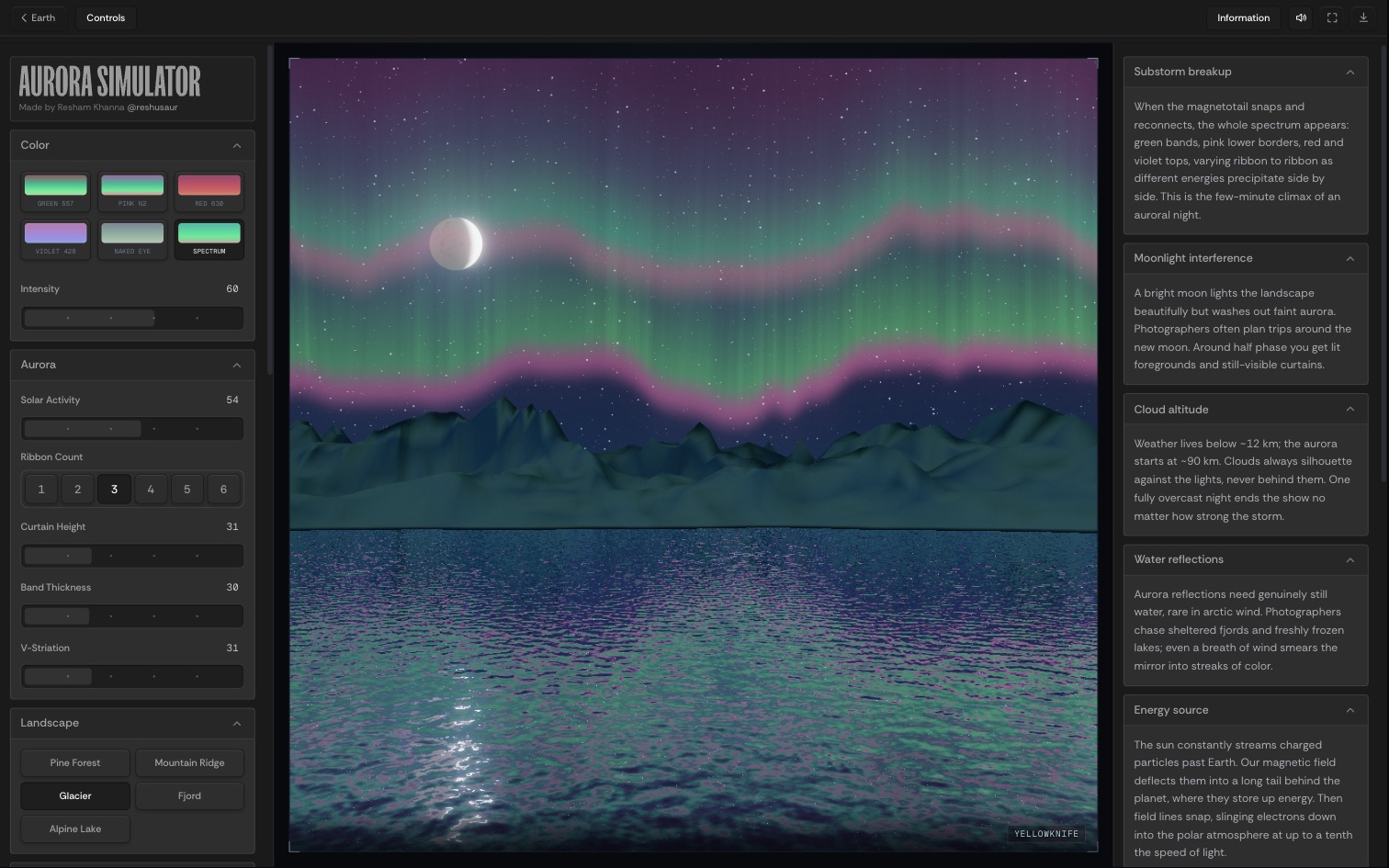
The panel on the left holds the controls. From it you change:
- its colors,
- the ribbons of light: how many there are, how tall they stand, and how fast they move,
- the land below, with 5 to choose from,
- and the moon, which you can move up or down and change from full to a thin sliver.
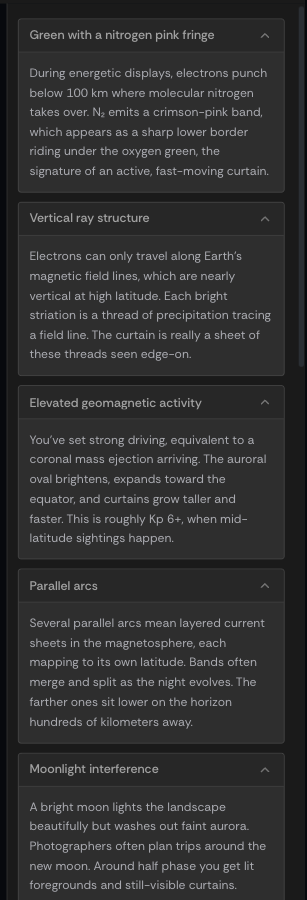
Field notes
The panel on the right, Field Notes, explains the sky you just built in plain words, so you learn what is going on by playing instead of reading a manual. It was the part I most wanted to get right.